Import from Miro to flip
We'll move your boards from Miro to flip, the Russian online whiteboard, of any size and in any number, keeping the structure and layout of elements. Choose the migration method that suits you
How it works
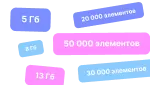
Install the browser extension, download a backup of your board from Miro and upload it to flip. This method works for boards up to 5 GB, including in the on-premise version of flip: on-premise guide
01
Download the extension
Save the extension file to your computer
02
Install the extension in your browser
Open your browser's extensions page, turn on developer mode and load the file
03
Download the board from Miro
Open the board you need, run the extension and save a backup of the board to your computer
04
Upload it to flip
Open flip and import the saved file
What the result looks like
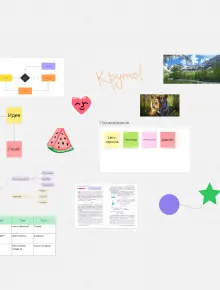
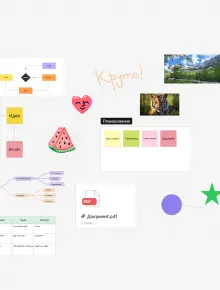
See how boards of different sizes move from Miro to flip while keeping the structure of their elements
Personal board
Large project
Miro
flip
Which elements can be migrated
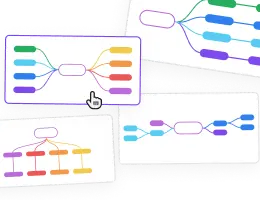
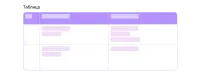
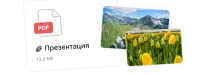
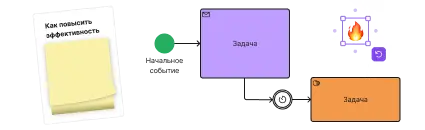
Sticky notes and text, shapes and arrows with labels, frames, tables, mind maps, cards with tags, drawings, emoji and stamps, images, documents and links are all migrated, in the same places as in Miro


Centralized migration for your company
We'll move all of your company's boards to flip with no limits on number or size, including boards over 5 GB. Submit a request, and we'll organize the migration