Import from Miro
Boards are moved from Miro to flip with their structure and content preserved. The import is done with a browser extension that downloads a backup copy of the Miro board, which you then upload to flip.
Supported elements
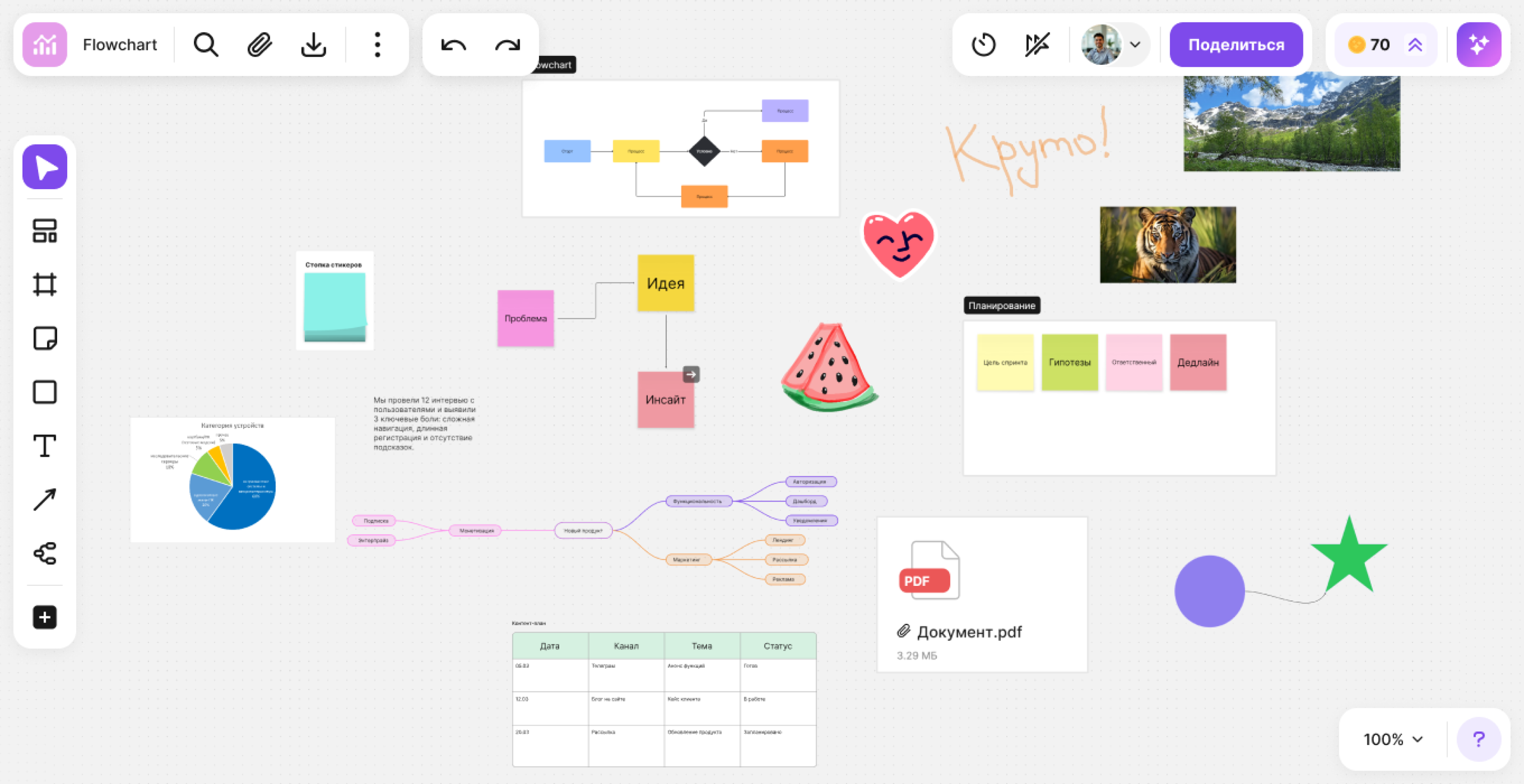
The following elements are transferred during import:
- Mind maps
- Tables
- Files and images
- Shapes and arrows
- Sticky notes and text
- Frames and templates
- Drawing and emoji
Installing the extension
Note
The maximum size of an imported board is 5 GB.
Download the extension and unzip the archive.
Open the extensions page in your browser:
- Google Chrome:
chrome://extensions - Yandex Browser:
browser://extensions
- Google Chrome:
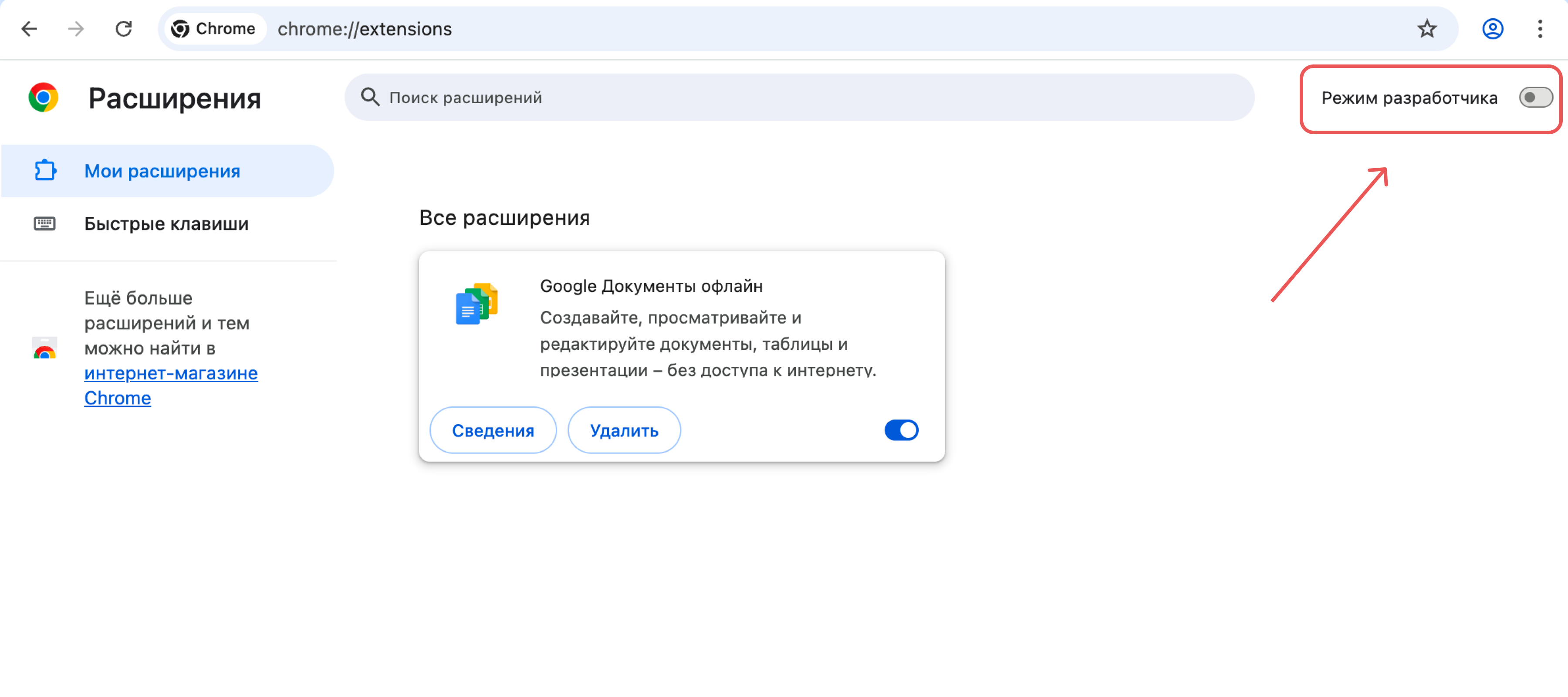
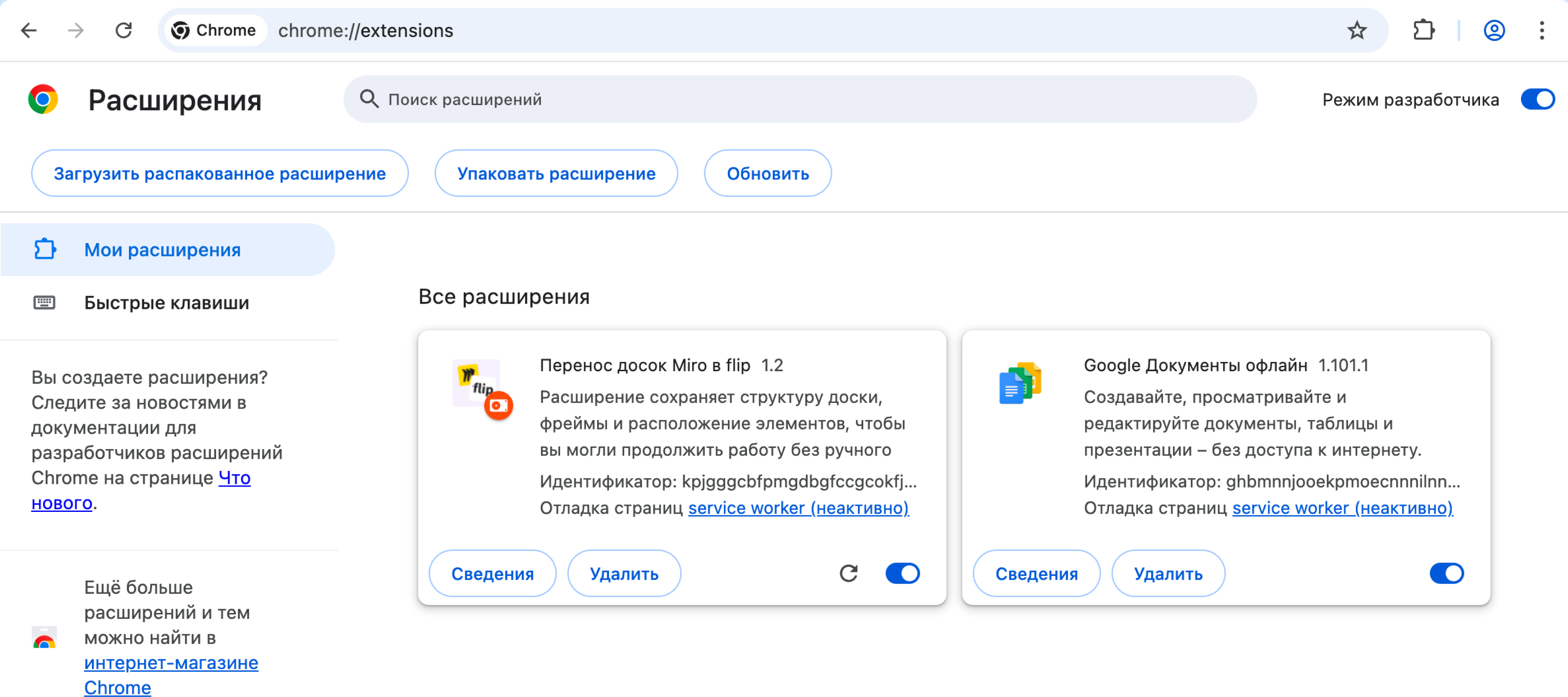
Turn on Developer mode.
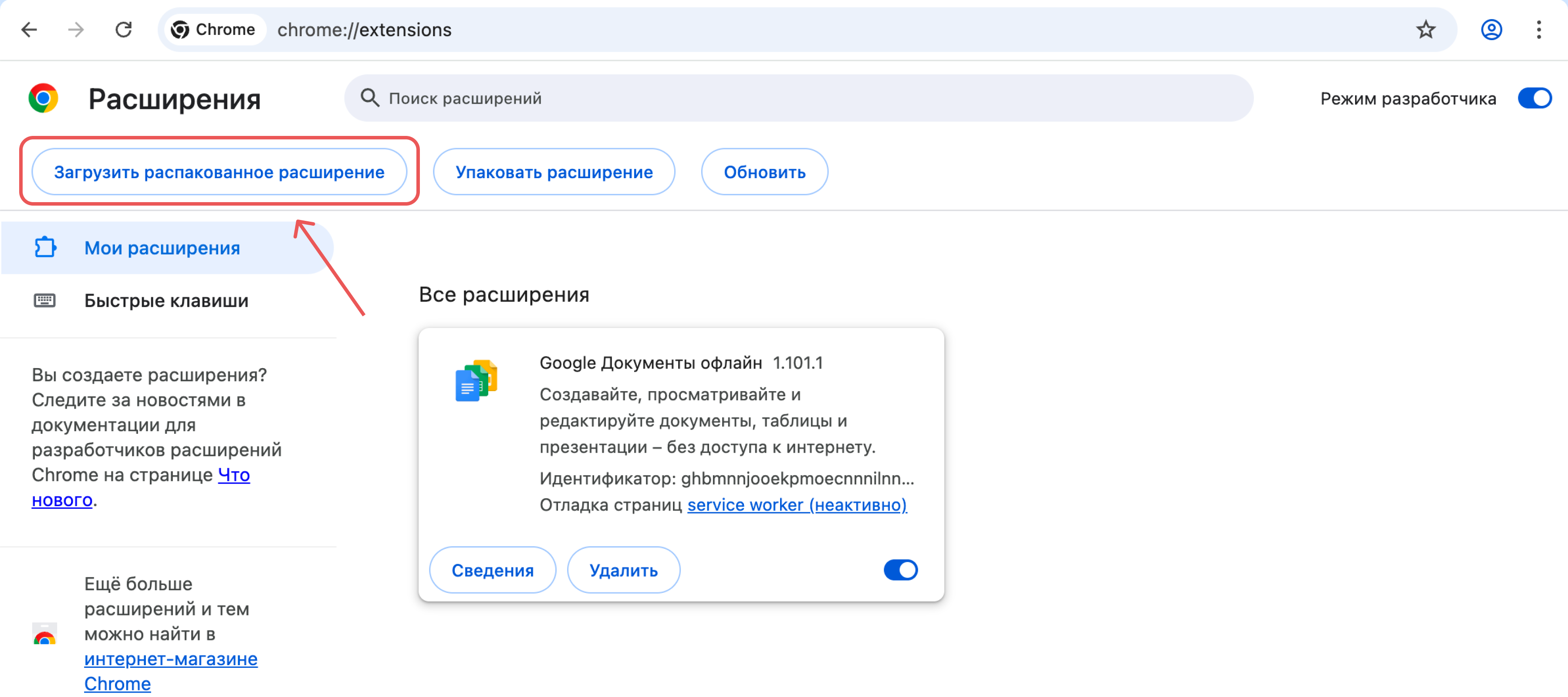
- Click Load unpacked.
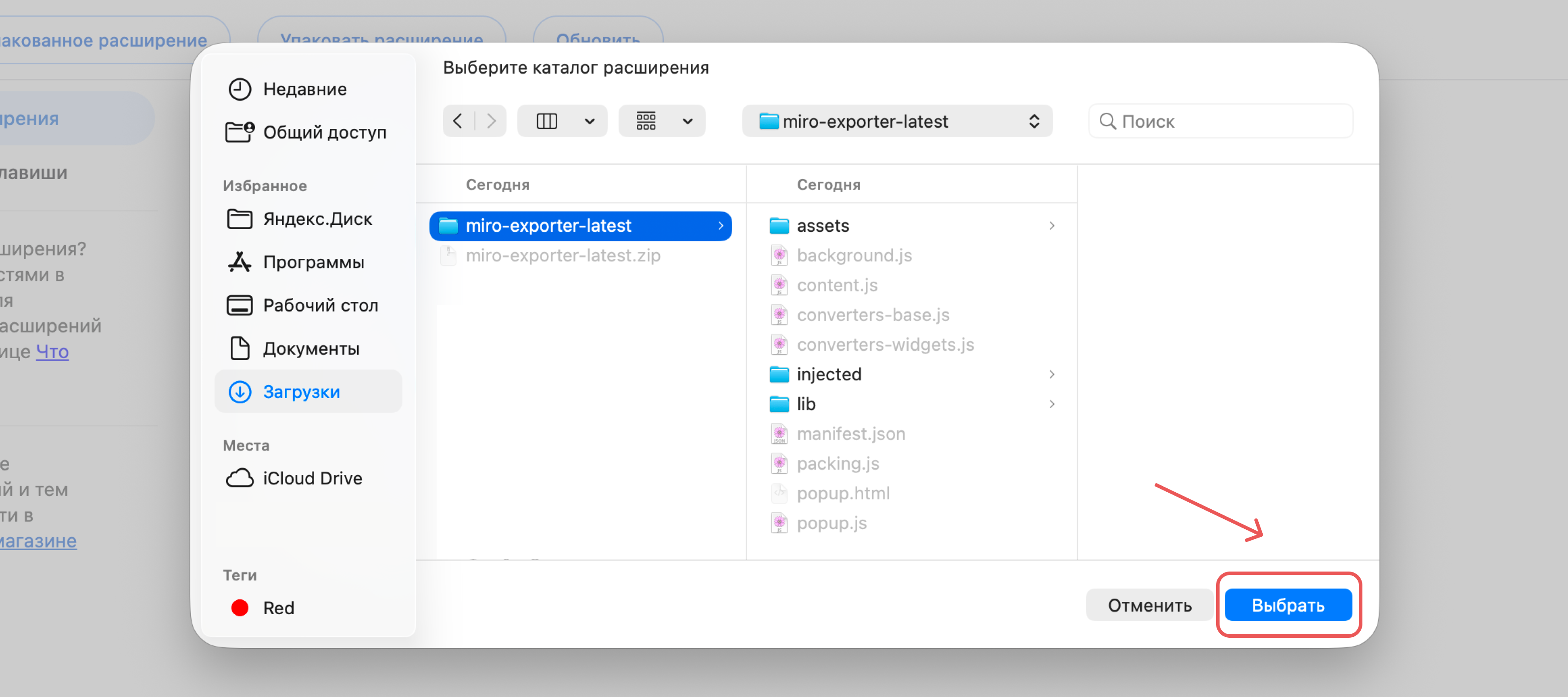
- Select the folder with the unpacked extension and click Select.
- The "Move Miro boards to flip" extension ("Перенос досок Miro в flip") appears in the list of installed extensions.
Exporting a board from Miro
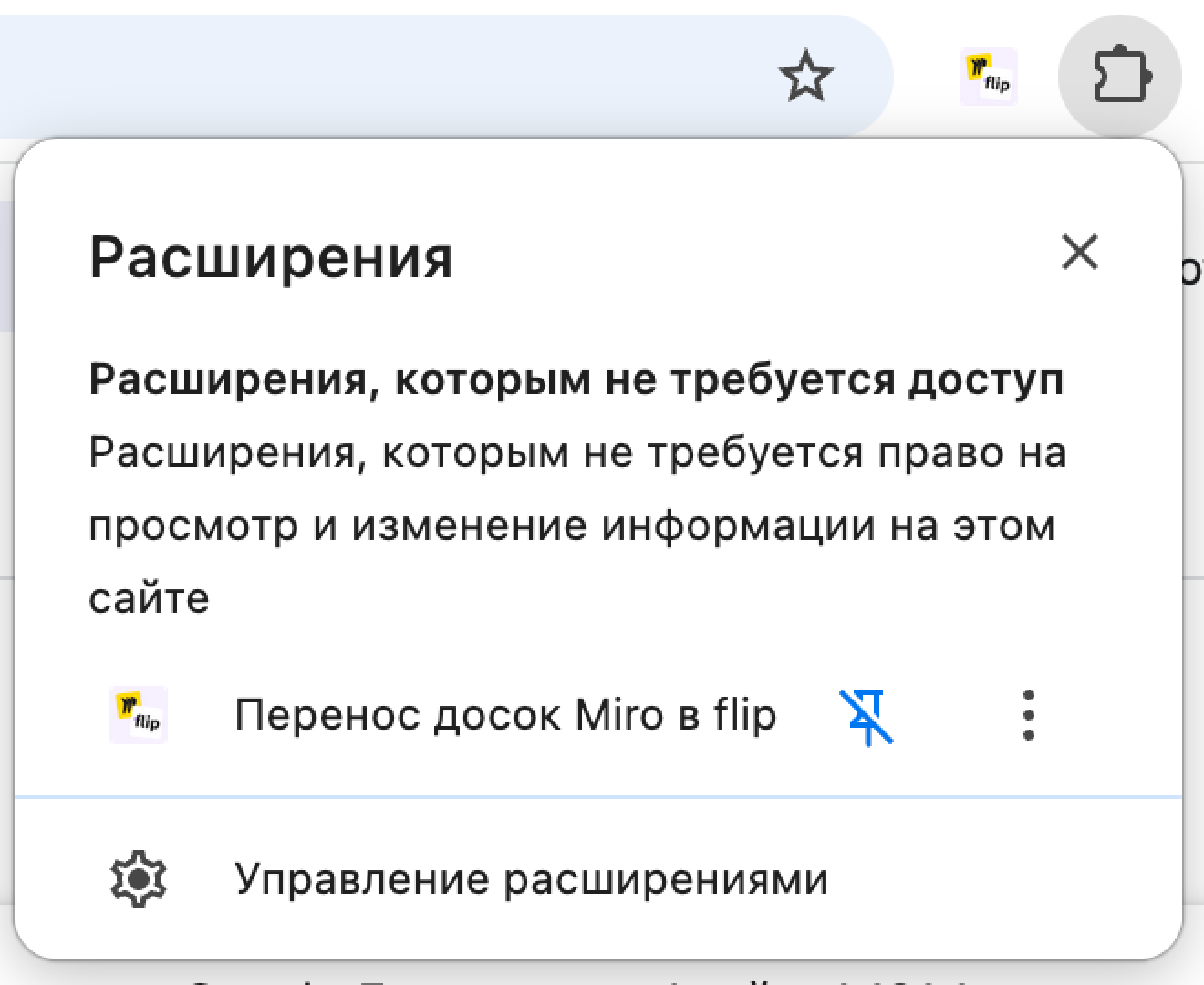
- Open the board in Miro and launch the "Move Miro boards to flip" extension from the browser's extensions menu.
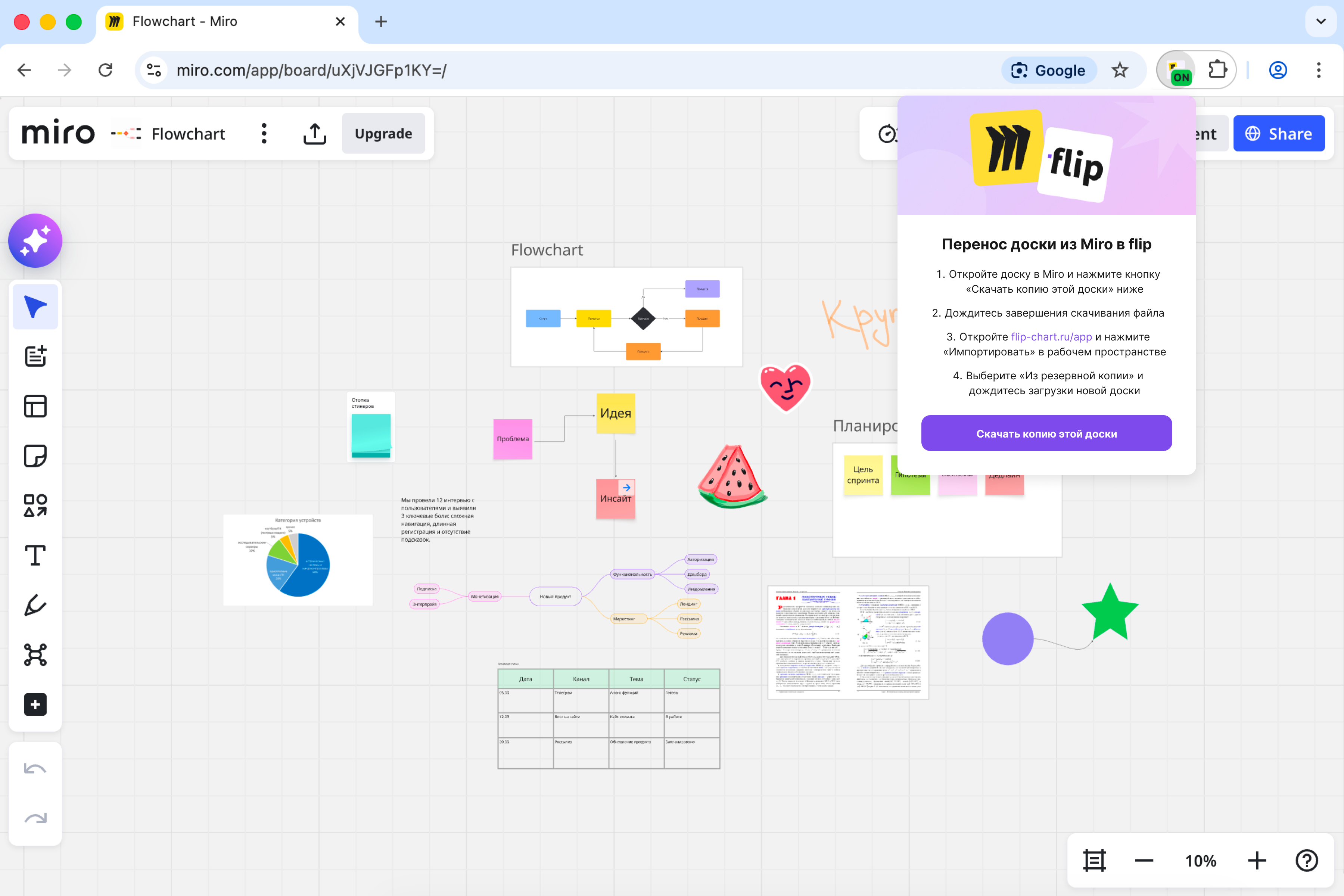
- In the window that appears, click Download a copy of this board ("Скачать копию этой доски").
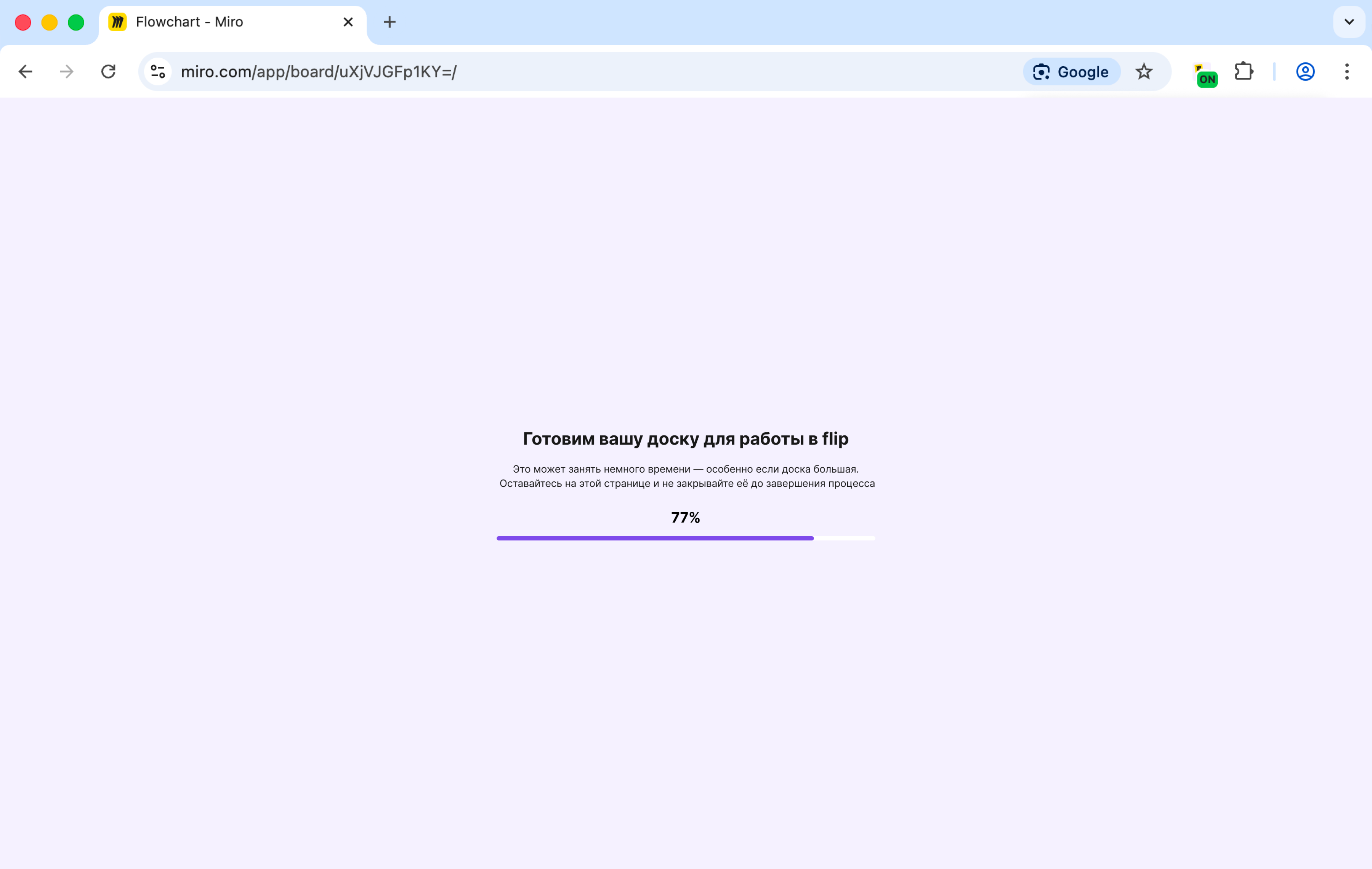
- Wait until the board is prepared.
Note
Do not close the page until the process is complete.
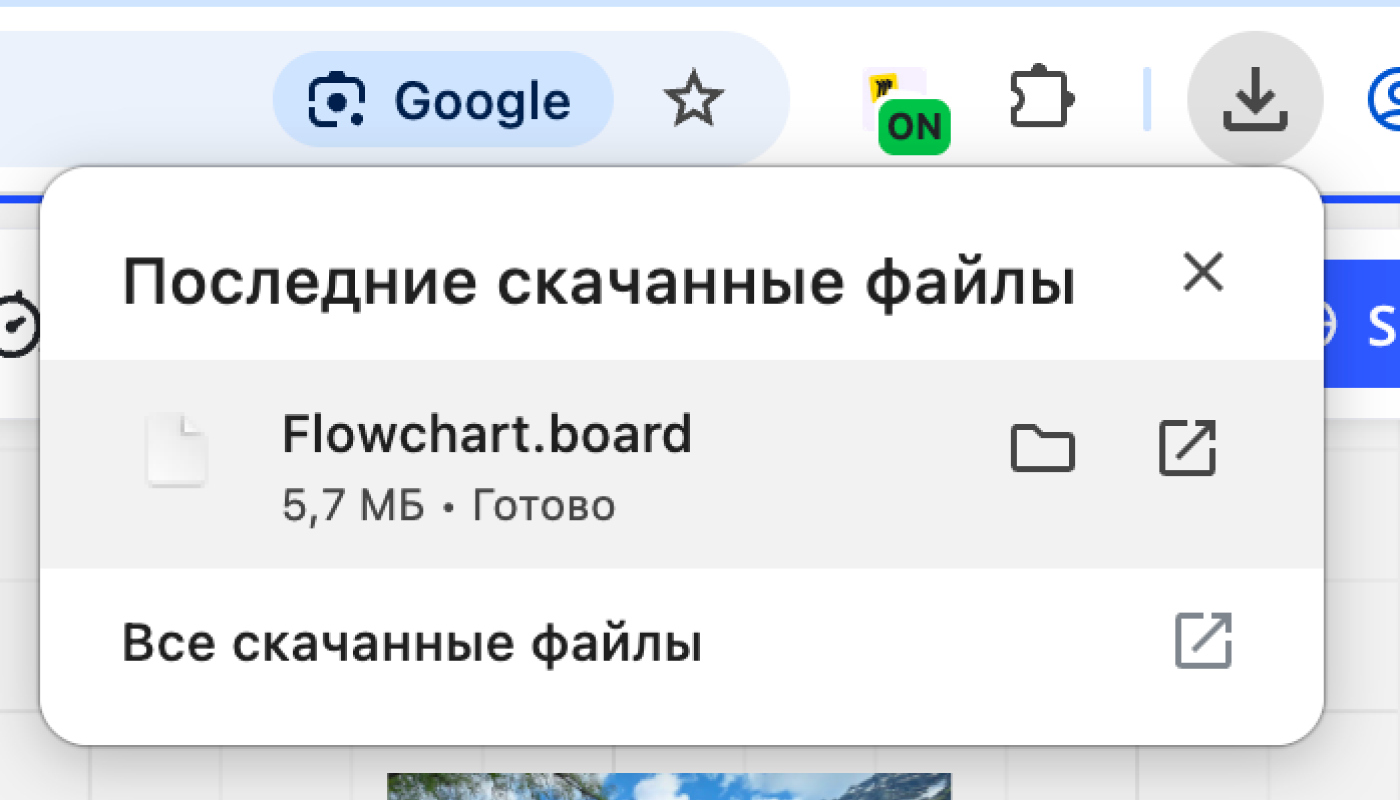
- A file with the
.boardextension will be saved to your computer.
Importing a board into flip
New tab
The file is uploaded in a separate browser tab that opens automatically. The tab must stay open until the import is complete, and pop-ups must be allowed for the flip domain in the browser.
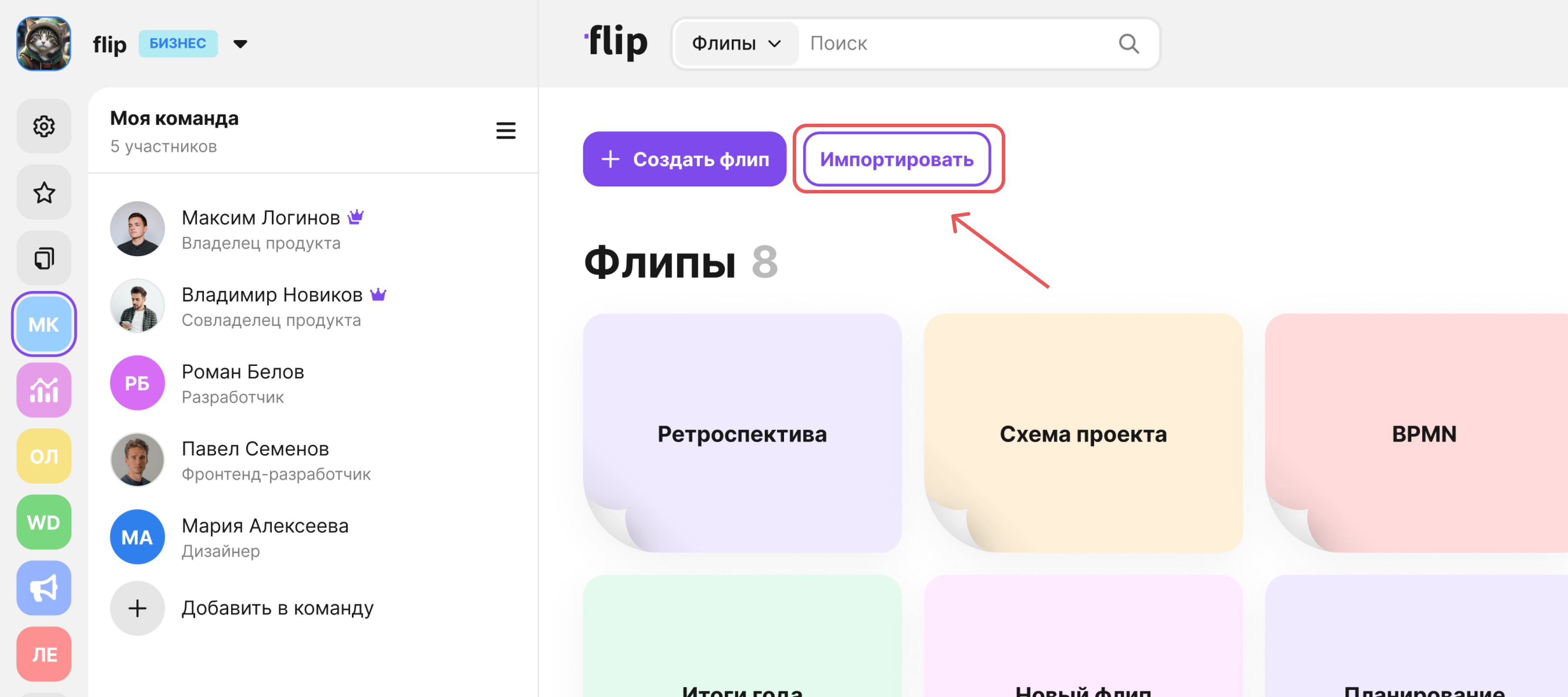
- Open flip and click Import.
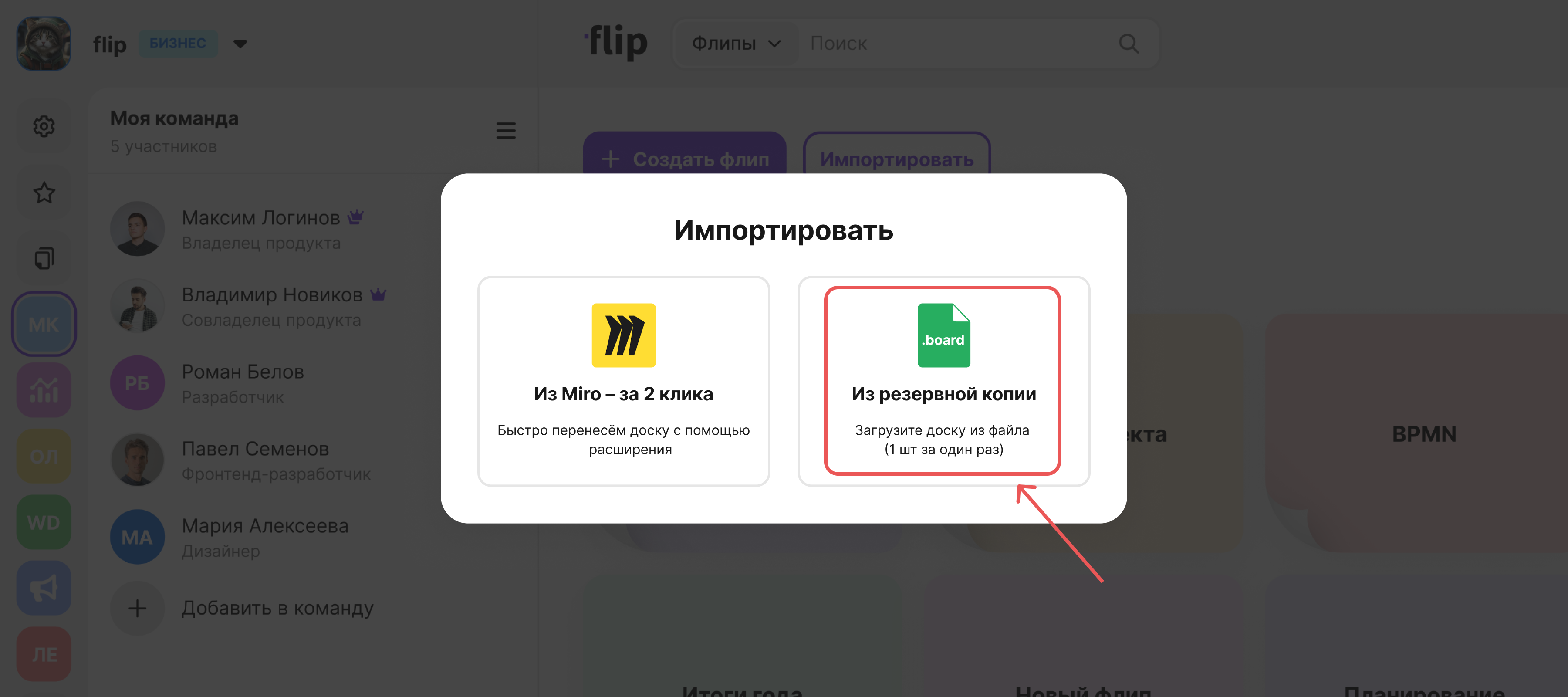
- Select From backup (.board) and upload the saved
.boardfile.
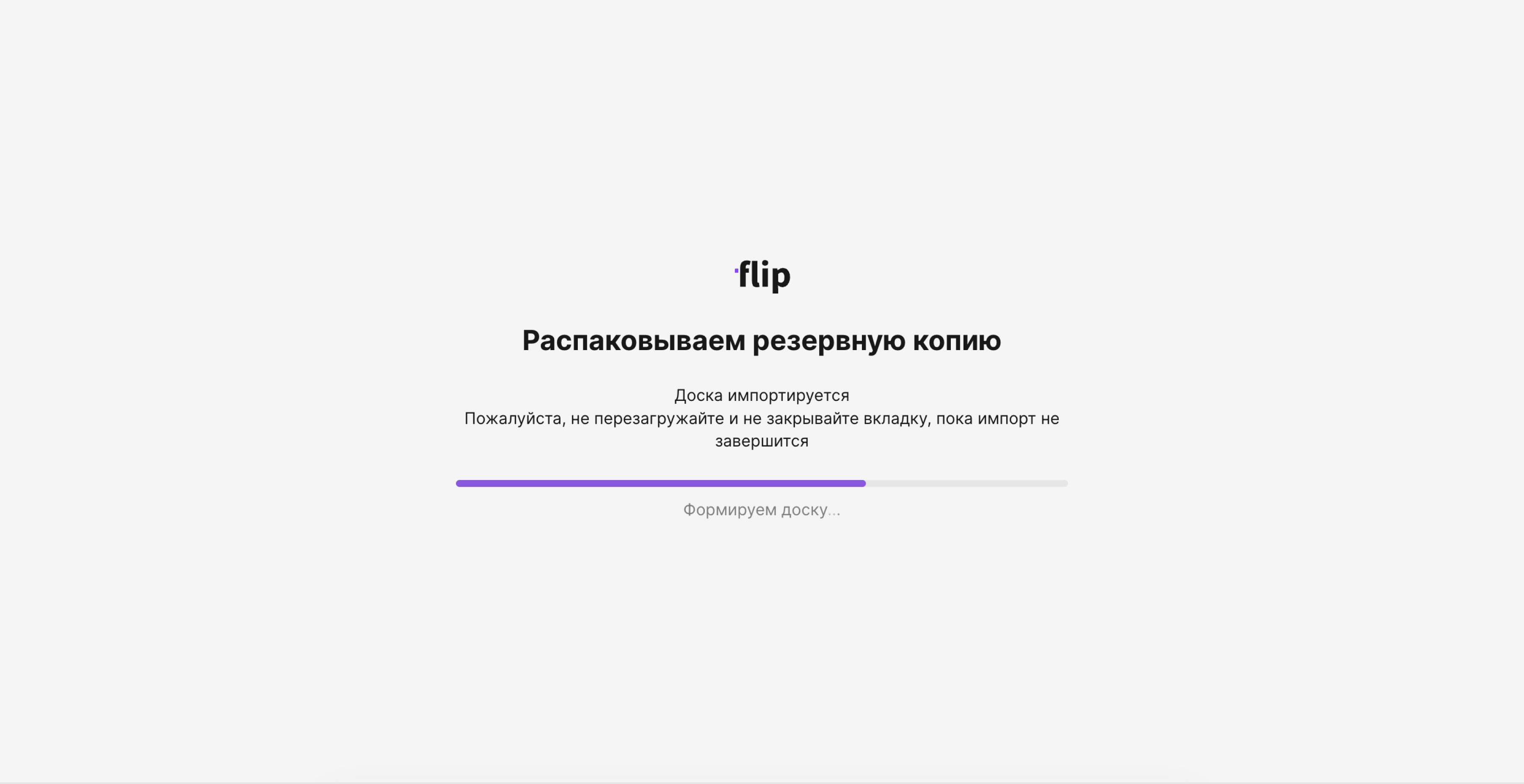
- Wait for the import to complete. Do not reload or close the tab.
- The board will be imported with all its elements preserved.