

Domain verification
1. Access the DNS settings at your domain provider
Sign in to your domain control panel and find the section where you can edit DNS settings. Look for terms such as "Domain management", "DNS" or "Custom records".
2. Create a new TXT record in the DNS settings
In your domain's DNS settings, create a new TXT record with the value shown in your flip space settings.
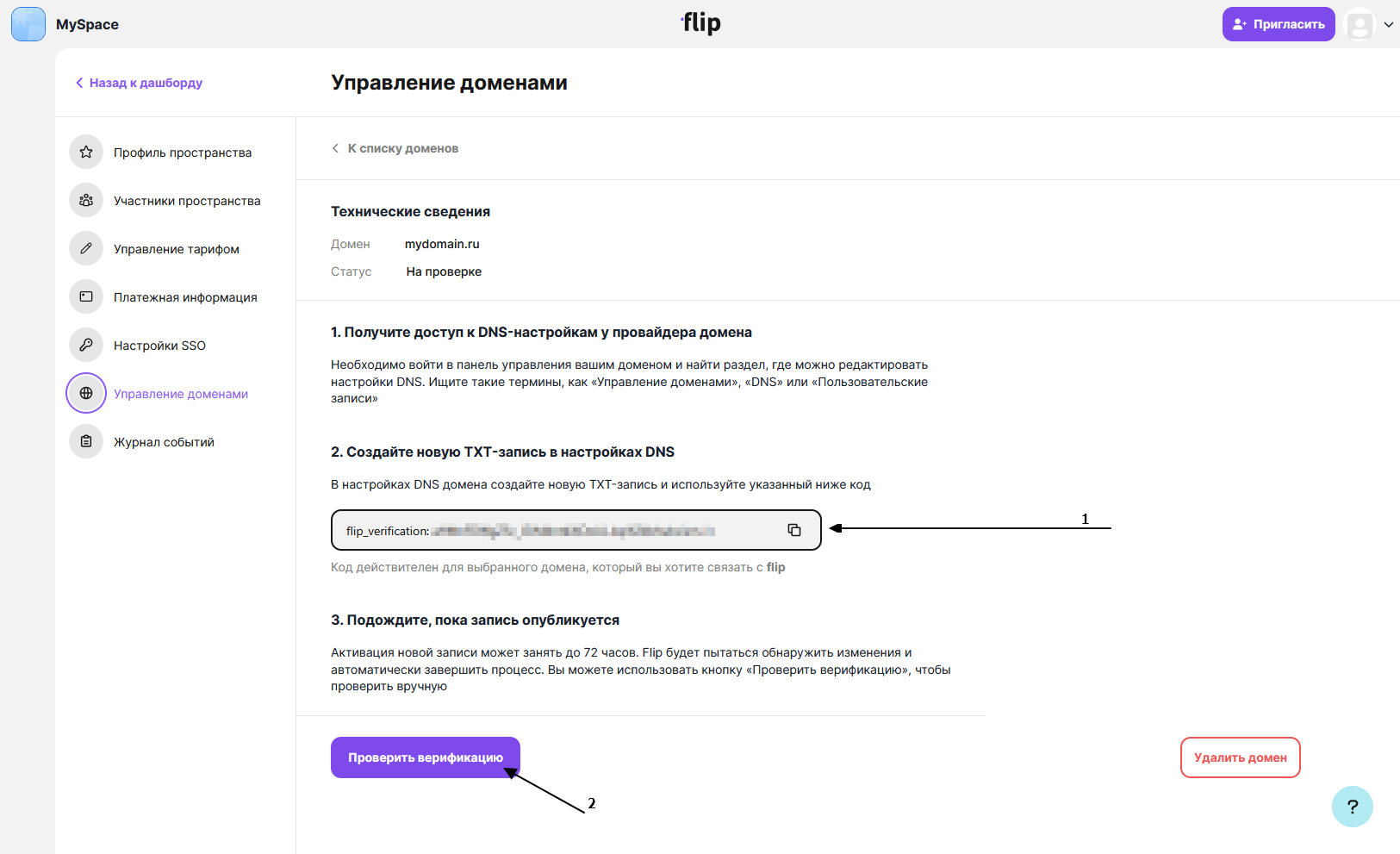
3. Wait for the record to be published
Activating a new record can take up to 72 hours. flip will try to detect the changes and complete the process automatically. You can use the "Check verification" button to check manually.