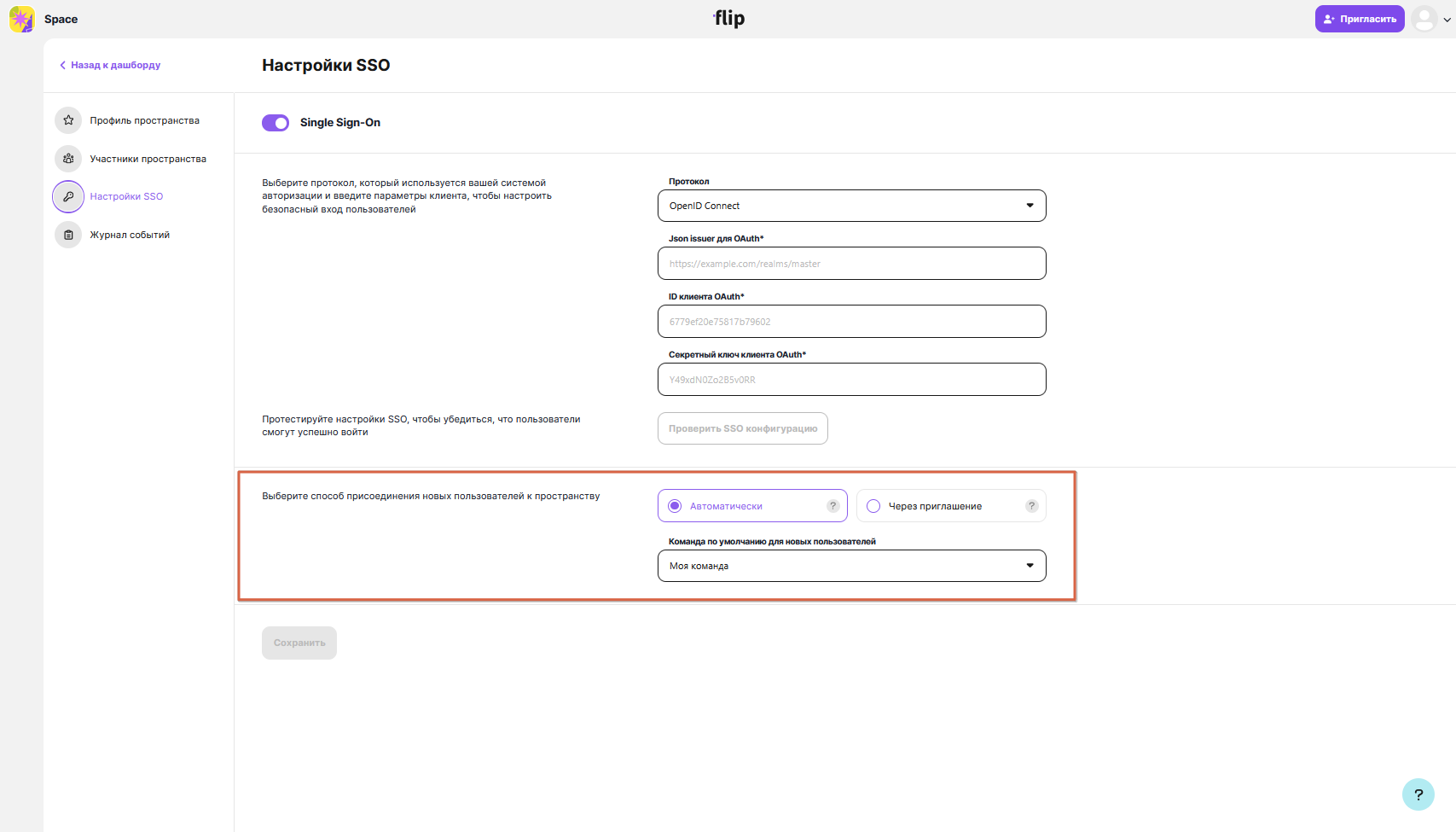
SSO setup
1. Sign in to the app
Follow the first launch instructions.
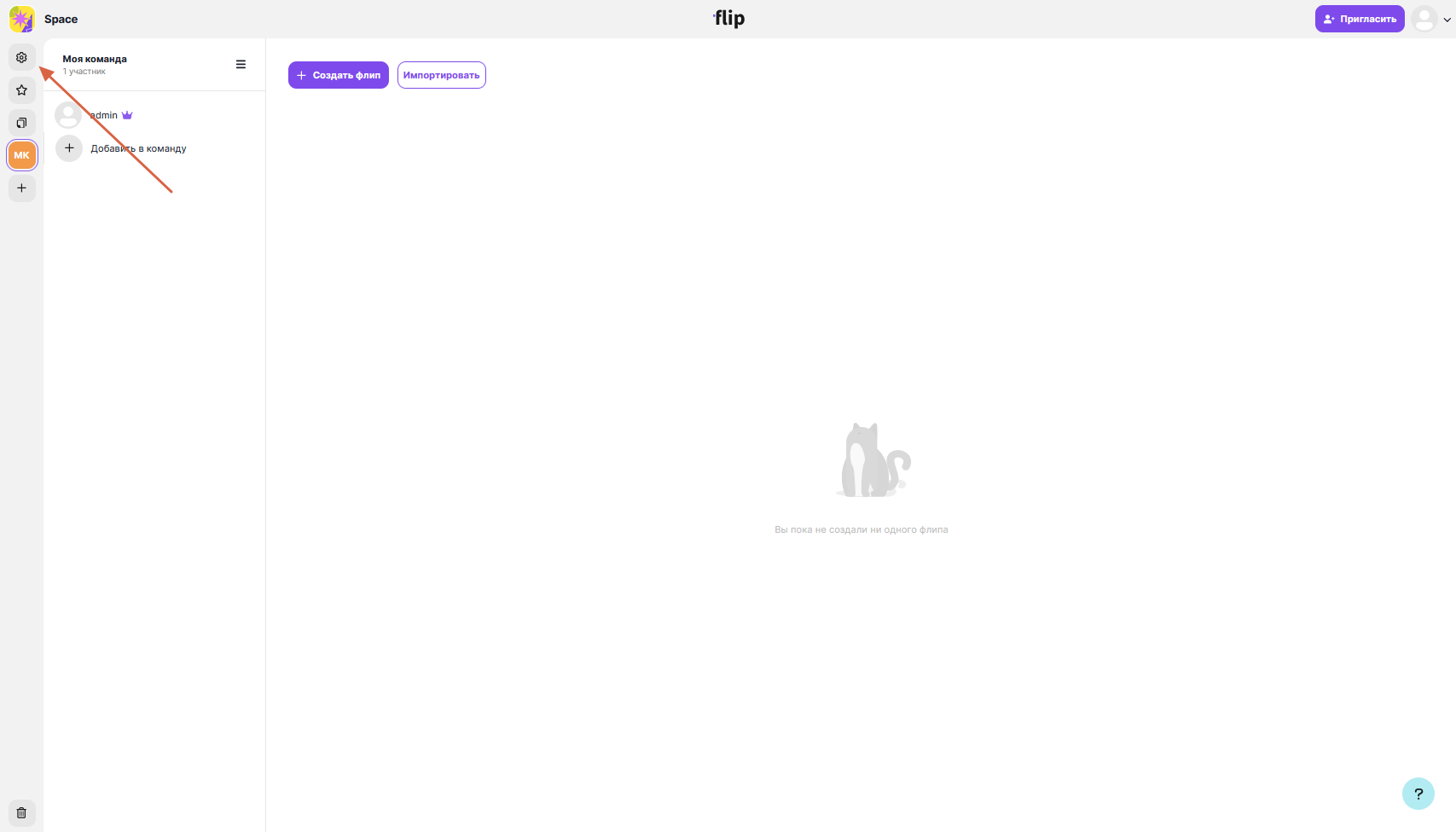
2. Go to the space settings
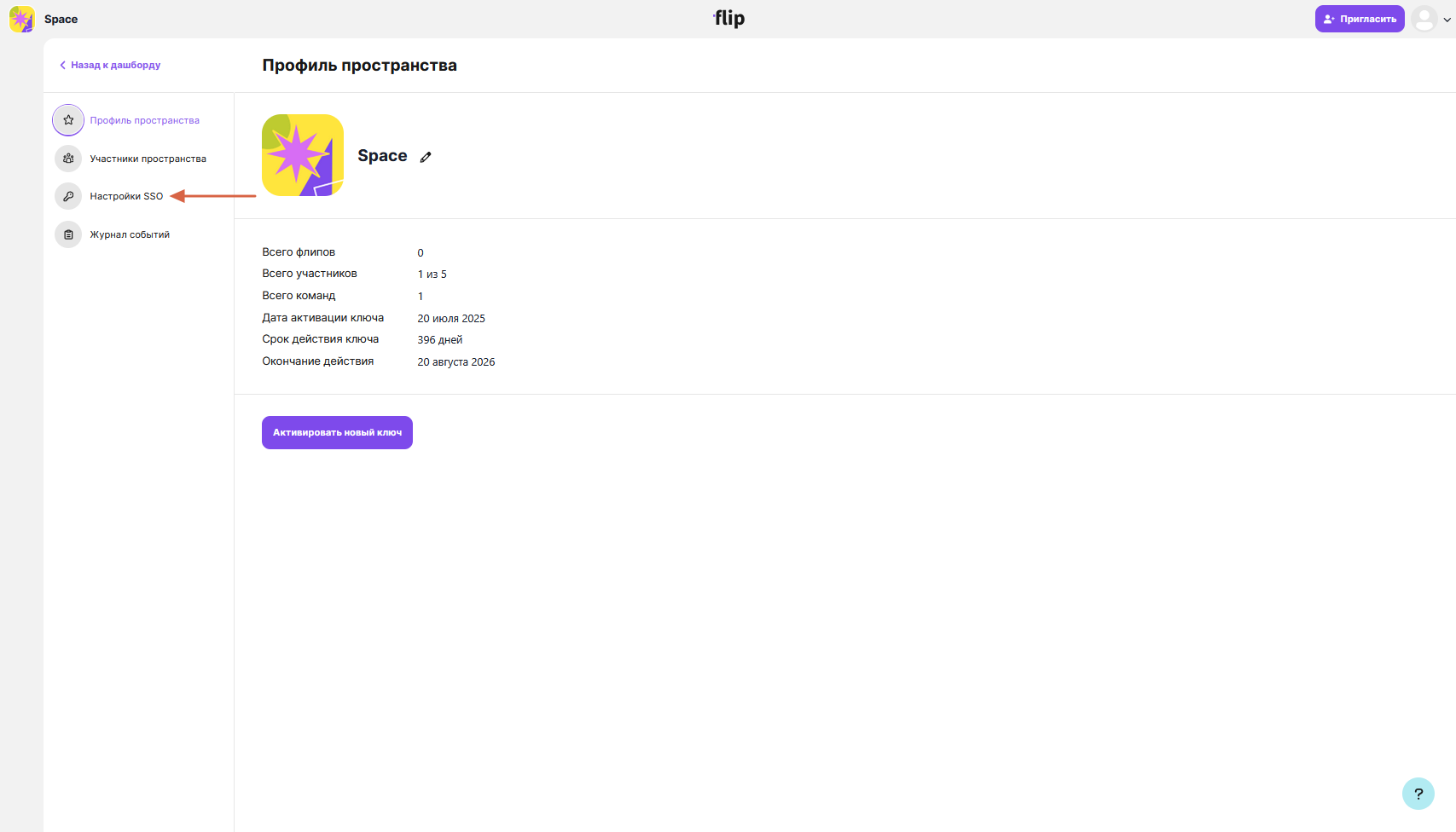
3. Open the SSO settings section
4. Set up the integration by choosing the authentication protocol: OIDC or SAML
Provider setup guides: Keycloak OIDC, Keycloak SAML, ADFS SAML.
Note
SSO is configured in the app interface and doesn't require any changes to configuration files. LDAP authentication is configured in the backend configuration.
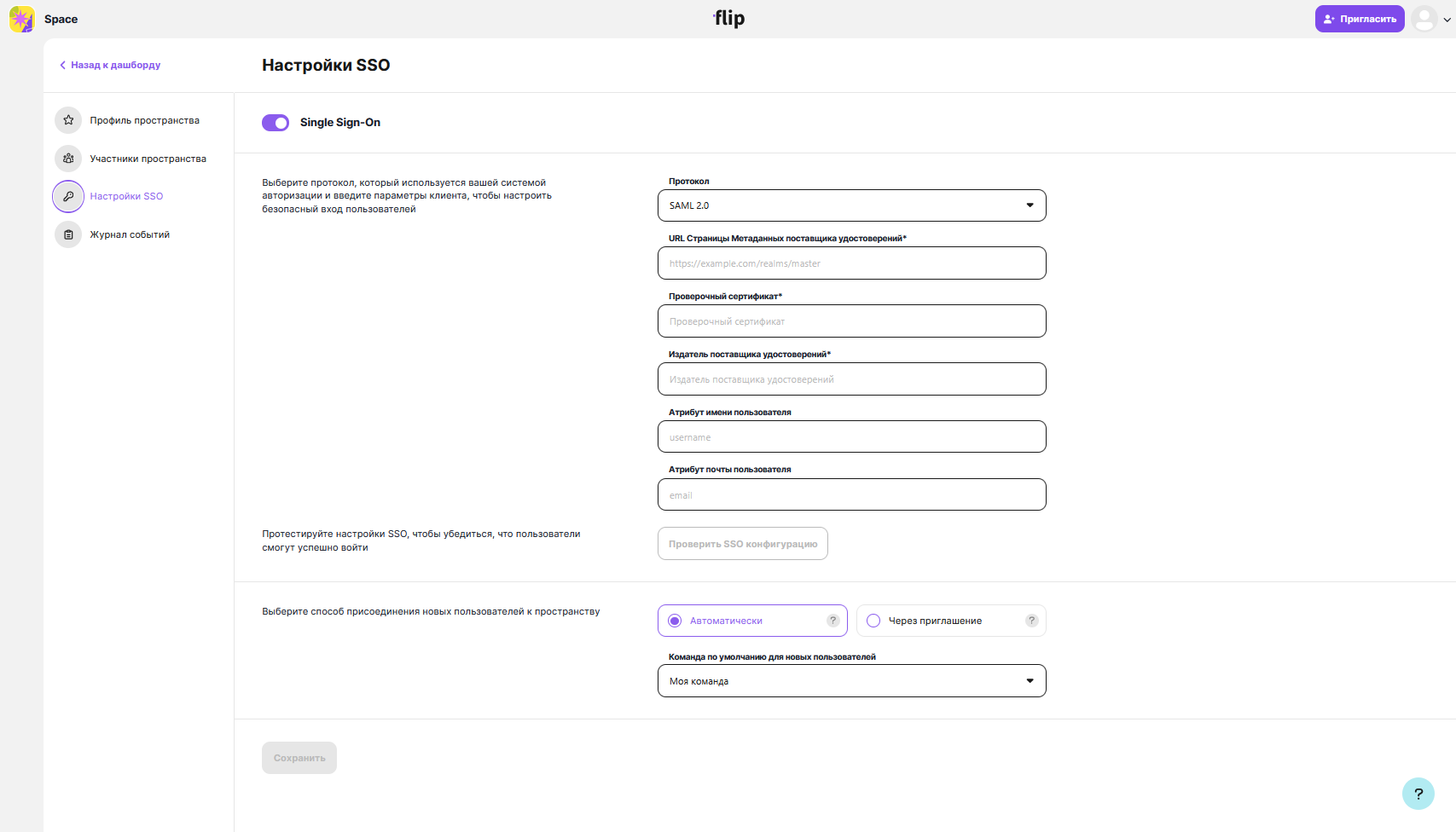
5. Check that the data you entered is correct
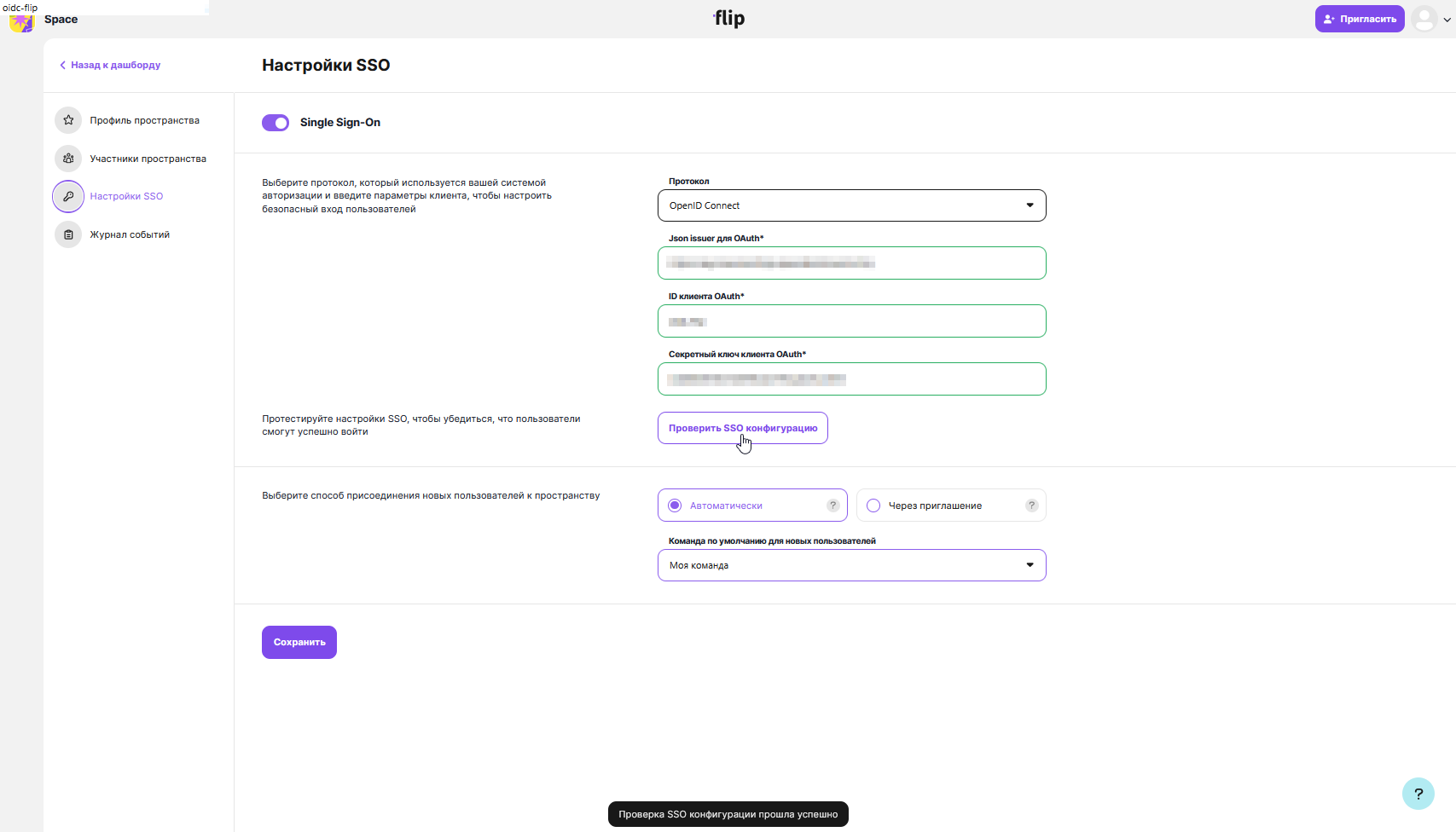
6. Choose how new users join the space