Creating and deleting teams in flip
Updated June 21, 2024
How to create a team
Any user in a space can create new teams:
- Click Create team in the left sidebar.
- Enter a name for the team.
- Choose one of the suggested avatars or upload your own.
- Click Create.
- Add members to the team.
Space members who are not added to the team will not have access to the team's flips.
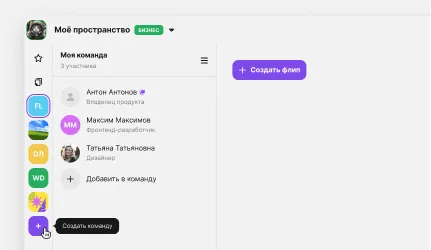
You can create up to 30 teams in one space.
How to delete a team
A team can be deleted by the team creator and by the space owner if they have been added to the team. The space owner is marked with a crown in the team member list.
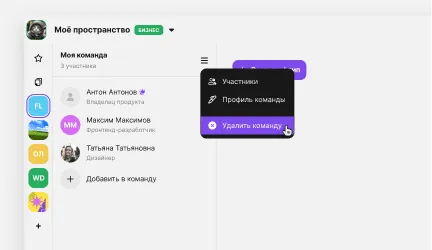
- Select the team in the left sidebar.
- Click Team settings.
- Select Delete team.
- Enter the team name in the field to confirm the action.
- Click Delete team.

More helpful articles
Billing and payments in flip
Guide to using flips
Signing up for flip as a new user
Image generation in flip