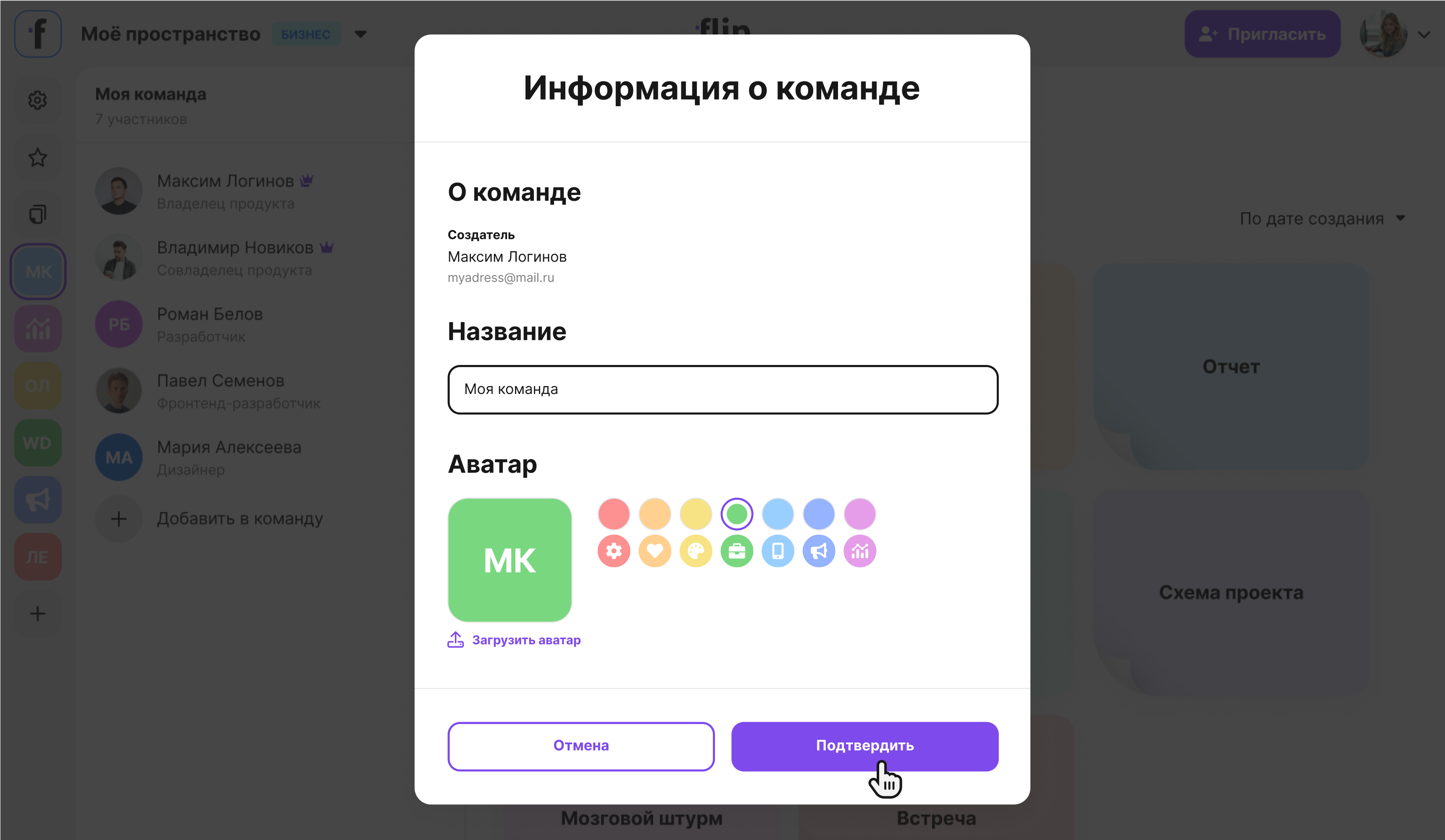
You can customize a team profile: change the team name and set a team avatar. The team profile can be customized by the team creator and the space owner, who is marked with a crown in the member list.
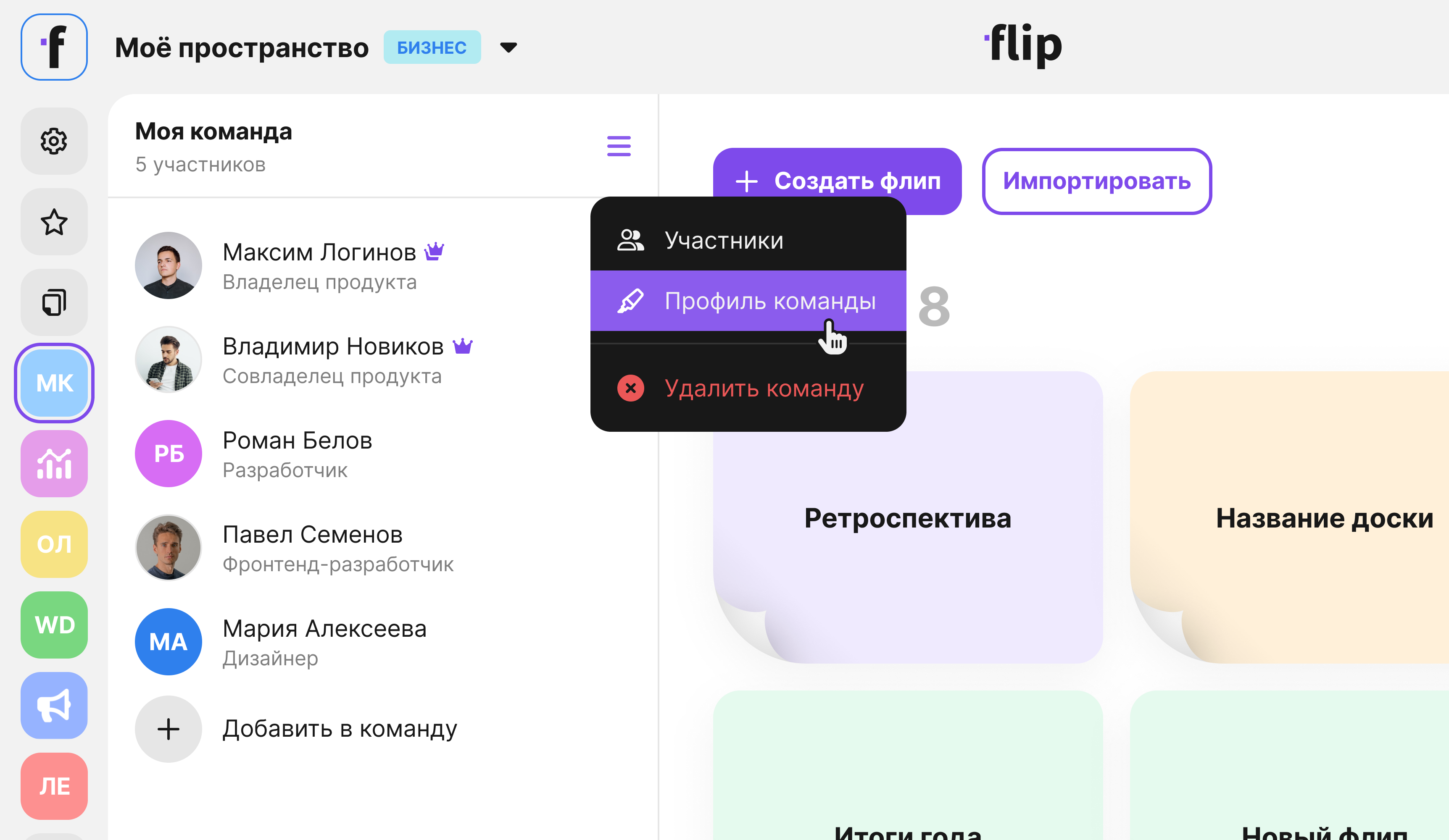
- Select the team in the left sidebar.
- Click Team settings to the right of the team name.
- Select Team profile.
Make the changes you need:
- Edit the name.
- Choose another avatar from the suggested ones or upload a new one.
Click Confirm.