Skip to content

What flip is and how it works

Updated October 9, 2026

flip is an online whiteboard for collaboration. Teams use it to collect ideas, draw diagrams and processes, keep tables and documents, and run meetings and presentations — together with colleagues and in real time. This article explains what flip consists of and what you can do in it

What a flip is ​

flip is the name of the service, and a flip is a single board in it. You place stickers, text, shapes, tables, documents, images and other elements on a flip. Several people can work on one flip together: members see each other's cursors, and changes appear for everyone right away

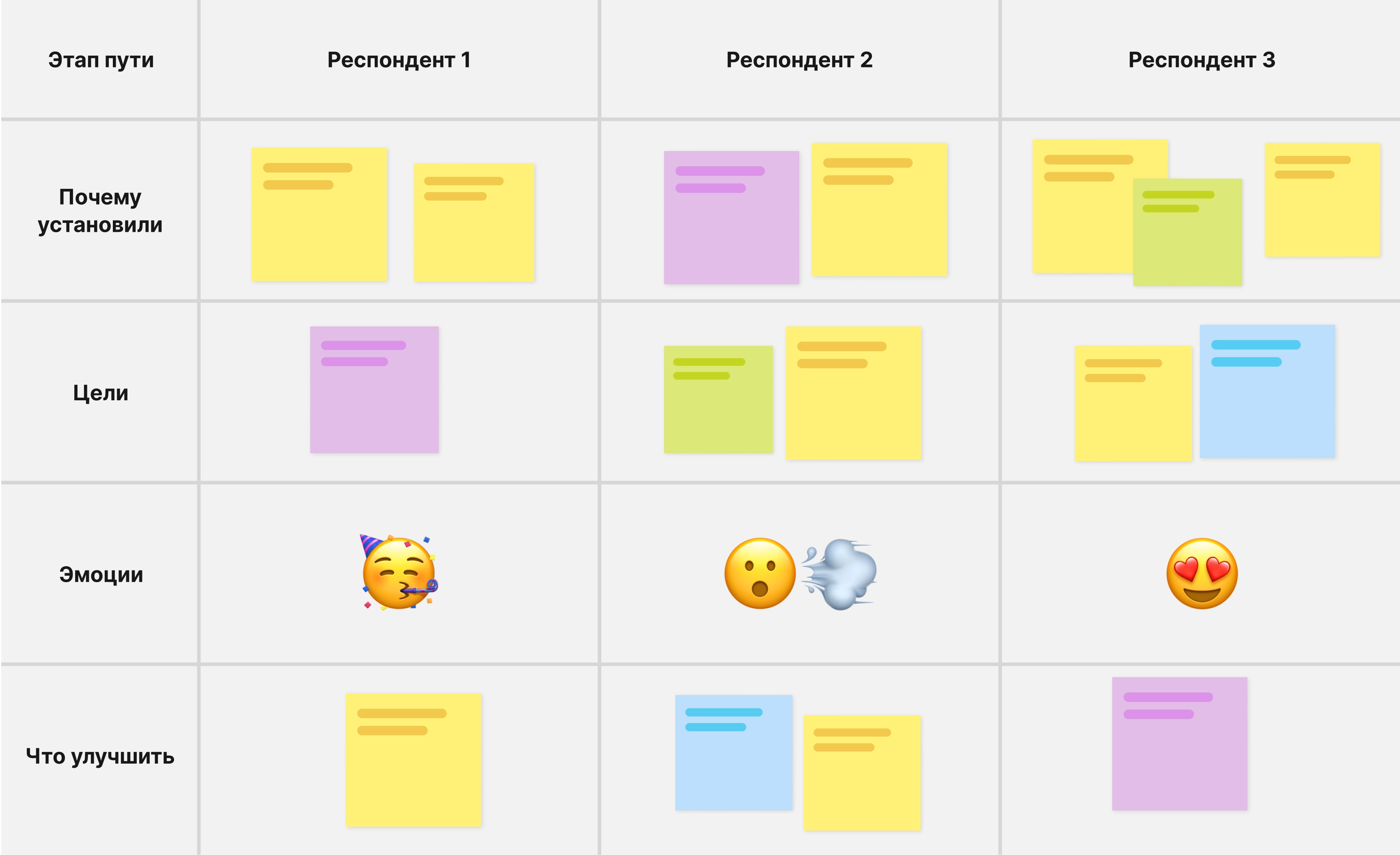
A flip with a table, stickers and emoji

To learn how to create a flip and work with it, see Creating and editing flips and Working on a flip: the basics

What a space is ​

A space is a shared workplace for a company, department or project. It holds members, teams and flips, and the plan is connected to it. You create your own space when you sign up, and you join your colleagues' space by invitation. If you have several spaces, you can switch between them in the left sidebar

The name, logo, members, teams and plan are managed in “Space settings”. Learn more in Viewing and editing a space

What a team is ​

The flips of a space are organized into teams: each flip belongs to one of the teams. Teams help you split work by department or project. One team is created automatically together with the space

The Mini plan has one team per space, the Business plan up to 30 teams, and the Enterprise plan has no limit. On the Individual plan there are no teams in the interface: all flips are in the “Home” section. Learn more in How to create and delete a team

What roles there are ​

Every space member has a role:

  • “Owner” — manages the plan and payments and can delete the space
  • “Admin” — manages members, teams and space settings
  • “Member” — works with flips and the teams they belong to

The “Admin” role is available only on the Business and Enterprise plans. Learn more in Space member roles

What plans there are ​

A plan is connected to a space, not to a user. After you sign up, your space is on the Mini plan

  • Mini — free with no time limit: up to 15 members, 3 flips, one team
  • Individual — for working alone: only the owner in the space, unlimited flips
  • Business — for teams: up to 100 members and up to 30 teams, private flips, the “Admin” role, SSO login and domain management
  • Enterprise — from 30 licenses, priced individually: unlimited members and teams, audit log, SIEM and Active Directory integration, On-Premise installation

Prices are on the pricing page; for a detailed comparison, see Comparing flip plans

What you can do in flip ​

Board elements ​

flip AI ​

flip AI is the built-in neural network. It generates images from a text prompt, removes backgrounds from pictures, and fixes mistakes and translates text in stickers, text and shapes

Generating an image and removing a background cost 5 AI tokens each. The token limit is set per member per month: 5 on Mini, 60 on Individual, 125 on Business, and an individually calculated amount on Enterprise

flip MCP ​

flip MCP connects AI agents that support the MCP protocol to your flips: Claude, ChatGPT, Cursor, VS Code with GitHub Copilot, Gemini CLI and others. An agent analyzes a flip, writes texts, creates and fills in tables and mind maps, and builds diagrams. The Mini plan includes 5 requests per month, the other plans 20 requests per minute. To connect an agent, see flip MCP

Templates ​

Ready-made structures for retrospectives, planning, SWOT analysis, Kanban boards and other tasks. You can add a template to an open flip or create a new flip with it right away. Learn more in Flip templates

Import from Miro ​

You can move a board from Miro to flip: a browser extension downloads the board's backup, and flip imports this file as a new flip. Learn more in How to install the extension and download a board from Miro

Export and backups ​

A flip can be saved to a file: an area as PNG or JPG, all frames as a PDF, element texts as CSV. On the Mini plan, images and PDFs are saved in low quality with a flip watermark. A backup in the .board format keeps the whole flip and can be imported back. On Mini you can download a backup 3 times a month. Learn more in How to export a flip and Flip backup: download and import

Collaboration ​

Mobile app ​

The flip app for Android and iOS works with the same account, spaces and flips as the web version. You can install it from Google Play, RuStore, AppGallery and the App Store. Learn more in flip mobile app

flip On-Premise ​

flip can be installed on your company's servers: the On-Premise delivery option is part of the Enterprise plan. Installation and configuration are described in the flip documentation

To get started, see Getting started with flip

flip online whiteboard knowledge base