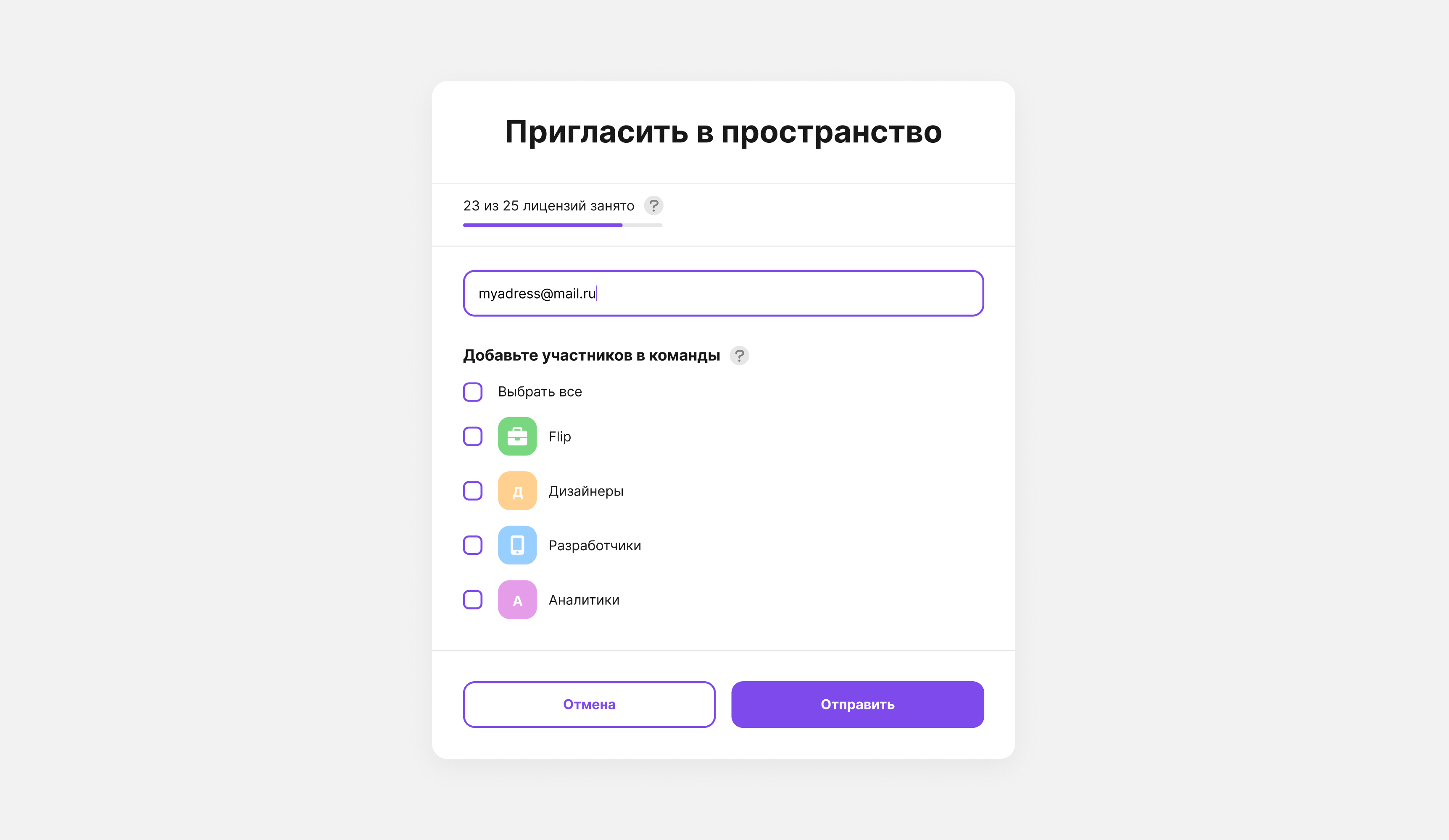
You can invite a user to a space even if they are not yet registered in flip, and add them to one or more groups:
- Click Invite on the top toolbar.
- Enter one or more email addresses.
- Select one, several or all of the teams you want to add the users to.
- Click Invite — invitations to the space will be sent to all the users you specified, and once they sign up, they will appear in the corresponding teams.