

How to add members to a team
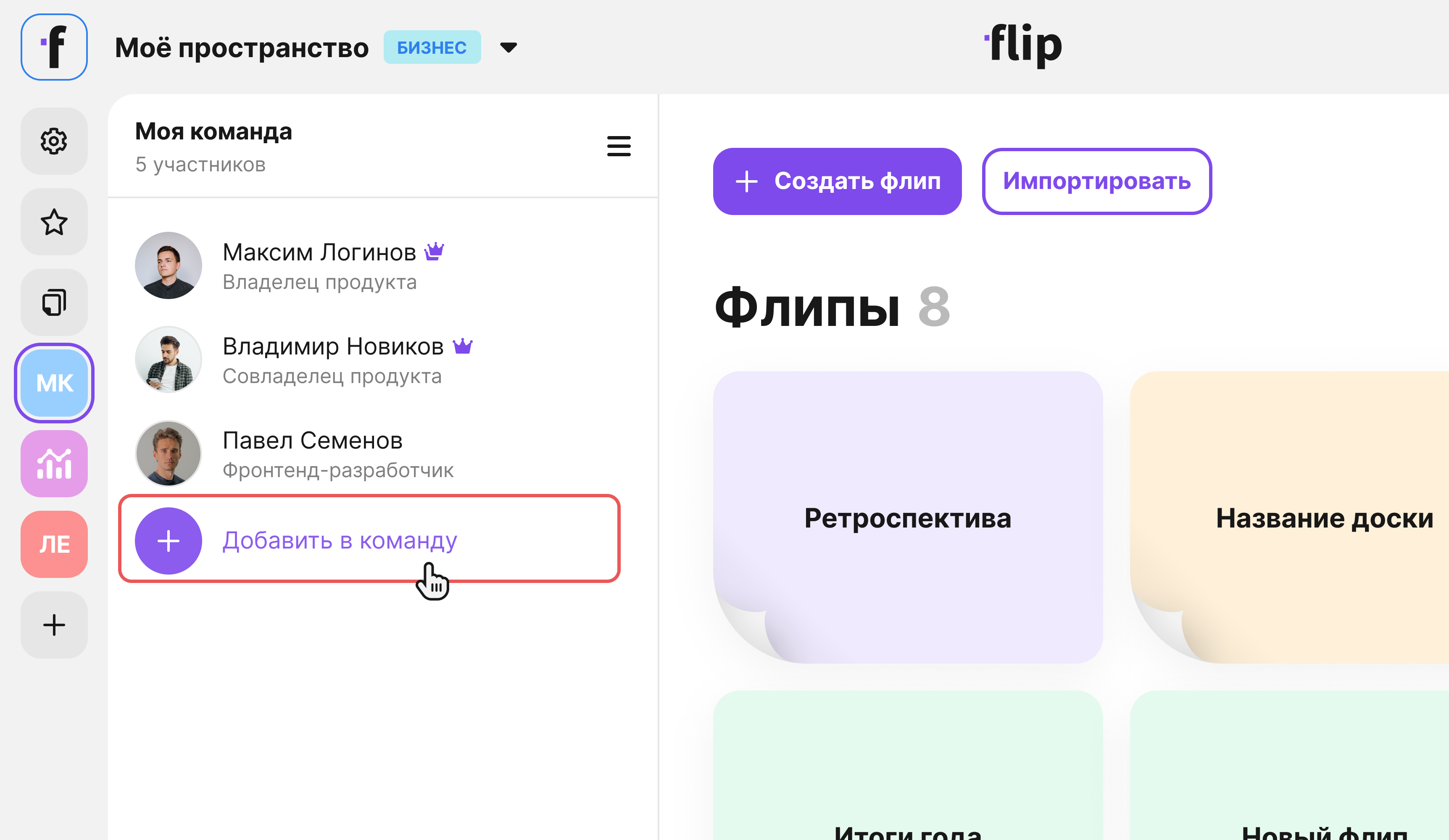
- Select the team in the left sidebar.
- Click Add to team.
- Start typing a name and select a member from the suggestions.
- Click Add.
You can also add members in the team settings:
- Select the team in the left sidebar.
- Click Team settings to the right of the team name.
- Select Members.
- Click Add to team.
- Start typing a name and select a member from the suggestions.
- Click Add.
How to remove members from a team
Select the team in the left sidebar.
Click Team settings to the right of the team name.
Select Members.
Click the trash can icon to the right of the member you want to remove.
Click Remove member. The removed account will lose access to the team's flips. You can bring removed members back: just add them to the team again.
Please note: team members cannot remove the team creator or the space owner.