If you pay by corporate invoice
- When choosing a paid plan, select By corporate invoice as the payment method.
- Enter your contact details — an operator will contact you to confirm the details. The operator will prepare the invoice and send it to your email.
Payment receipts
Important
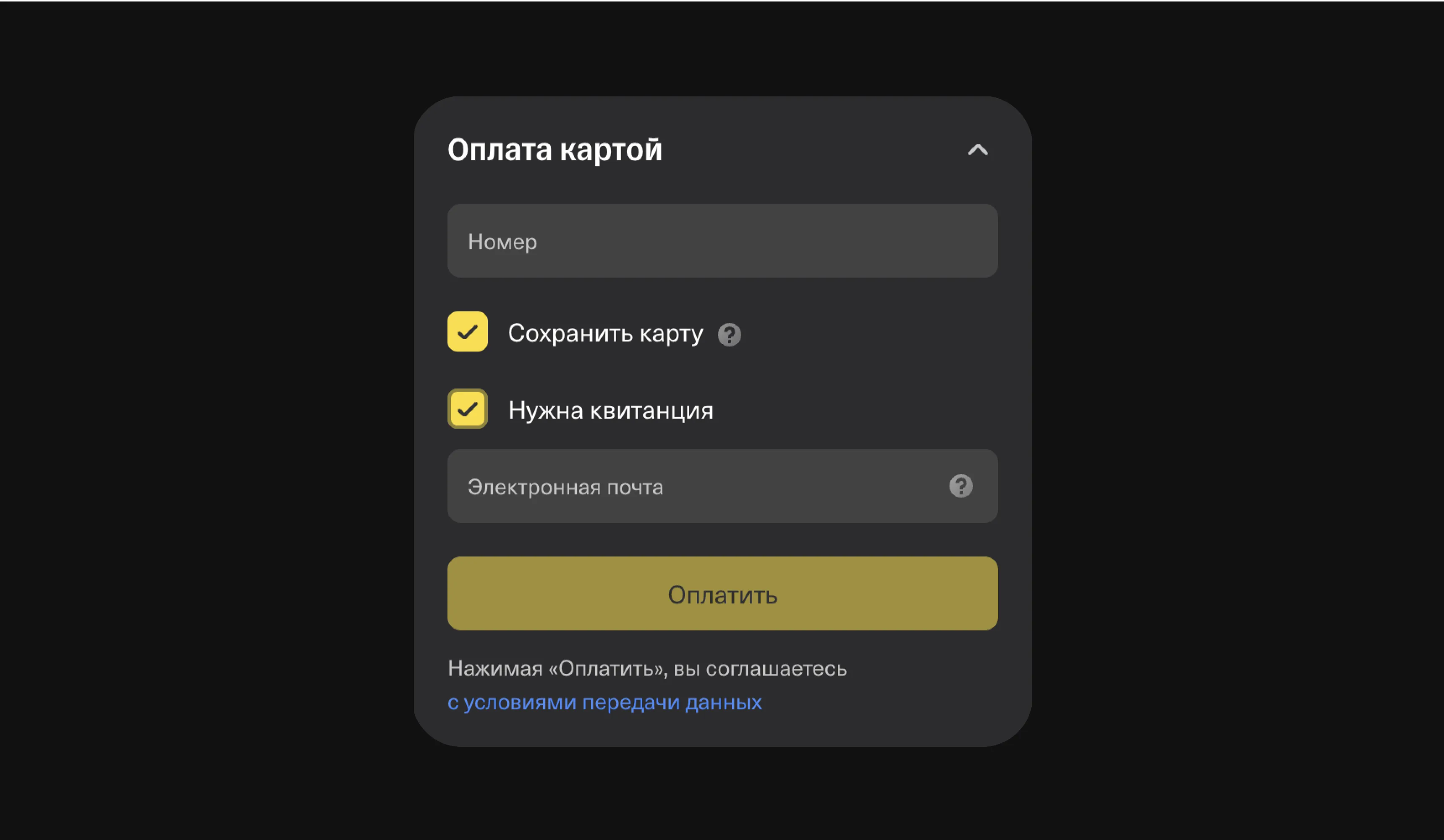
If you need a receipt, don't forget to check I need a receipt and enter your email address.
Once the payment has been made, you can get a receipt only by contacting support.