To log in to flip:
Go to the login page.
Enter your login details: the email and password you used to sign up.
Click Log in.
If you don't have a flip account, you can sign up.
If you forgot your password or want to change it, reset it and set a new one:
Click Forgot password on the login page or follow this link.
Enter the email you used to sign up, or the one your invitation to the space was sent to.
Click Request link.
Follow the link in the email from flip.
Come up with a new password for your account, then enter it and repeat it.
Important
Please note that the password must be at least 8 characters long and must not contain special characters.
Click Confirm.
You can now log in to your account with the new password.
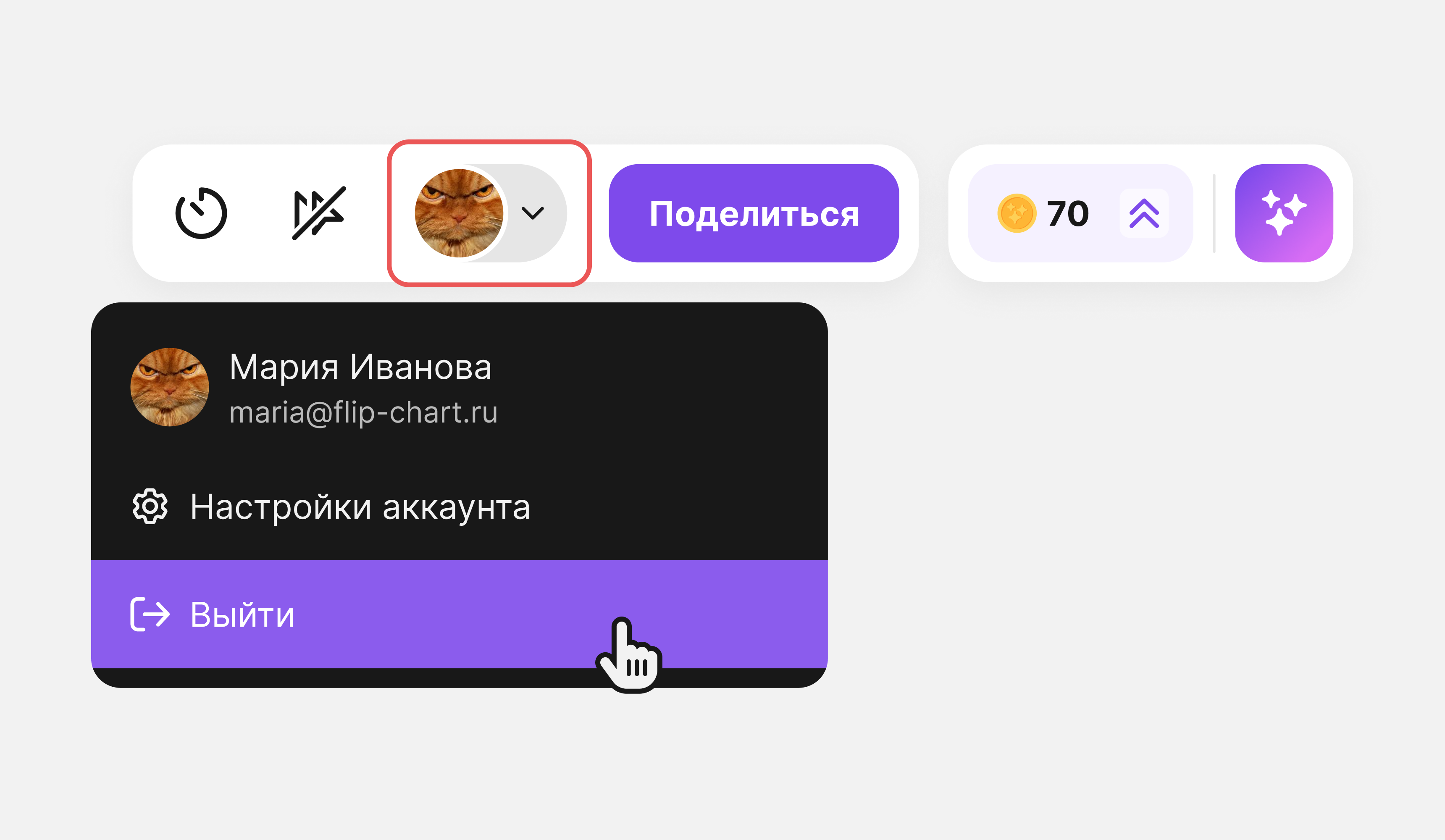
To log out, click your profile and then Log out: