

Feedback helps the flip team understand what works well and what needs improving. You can rate flip at any time from the “?” menu. Also, while you are actively working on a flip, a short question, “How is your session going?”, sometimes appears at the bottom of the screen — you can answer it with a single click
How to leave feedback from the “?” menu
Click ? in the bottom right corner of the home page or of a flip
Select Send feedback — the “Rate us” window opens
Choose a rating — one of five smileys, from unhappy to delighted
If you like, write a comment: what you like, what is missing, which tools you use most often
Click Submit
The button becomes active once you choose a rating. A comment is optional in this window
After you submit, a thank-you window opens with a “Join our Telegram channel” button. To close the rating window without submitting, click Cancel
How to answer “How is your session going?”
The question appears on its own while you are actively working on a flip: after you add 50 elements to the flip and then don't click or press any keys for 10 seconds. Elements inserted together with a template and elements added by other participants don't count
On a computer, the question appears as a card at the bottom center of the screen; on a phone, as a panel at the bottom of the screen. Next to the question there are three buttons: 👎, 😐 and 👍
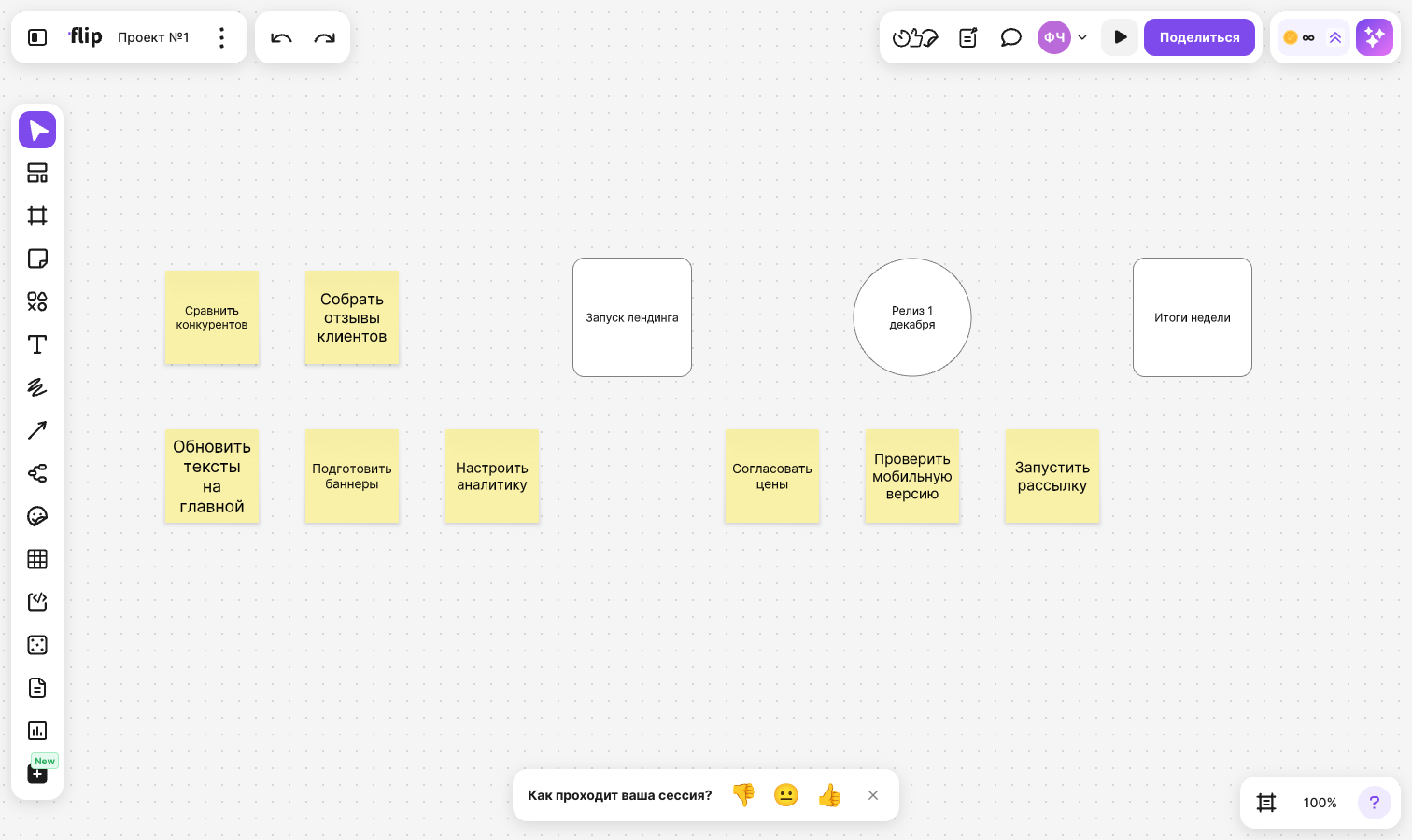
To answer:
If everything is fine, click 👍 — your rating is sent right away, the card closes, and the “Your feedback has been sent” notification appears
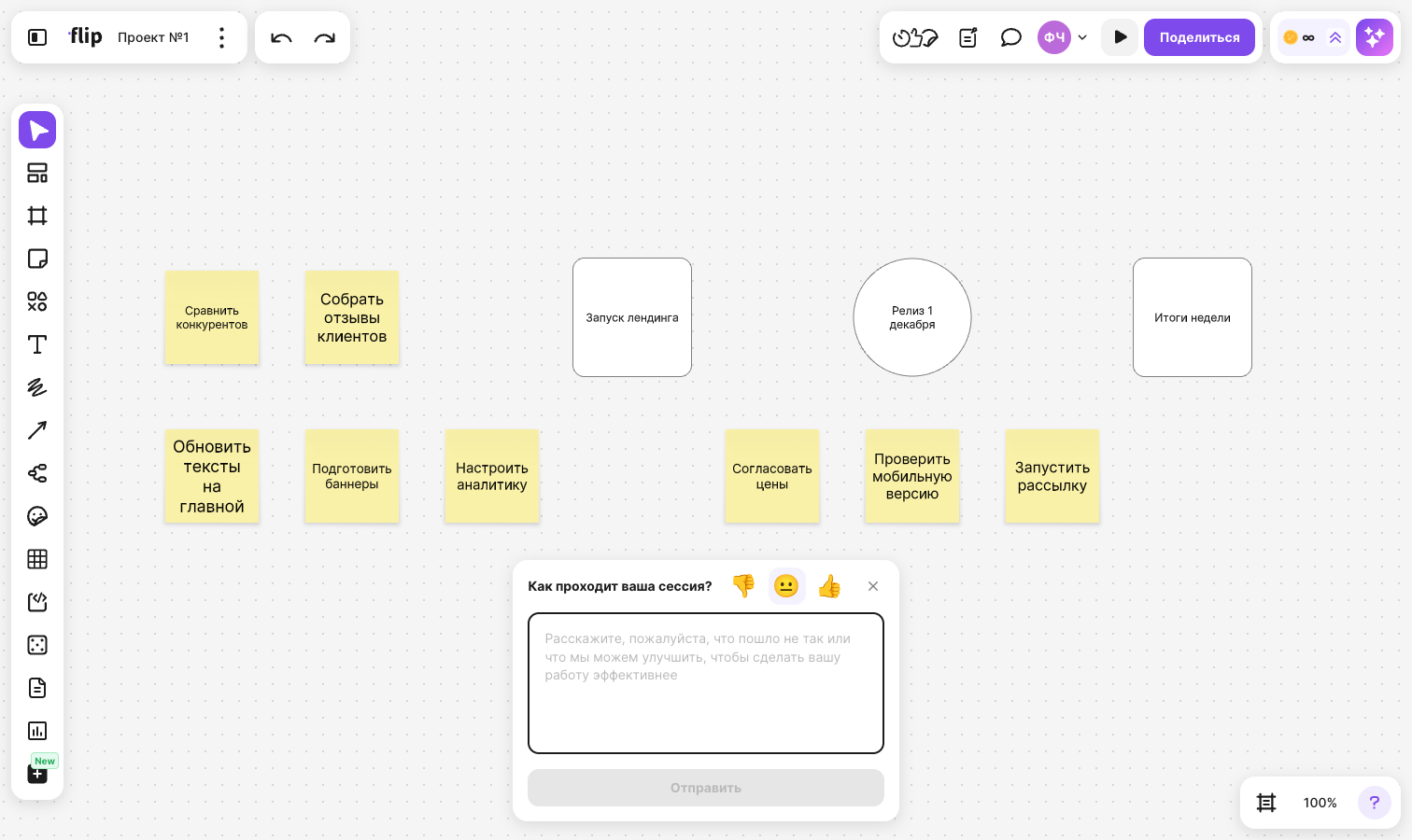
If something went wrong, click 👎 or 😐 — a comment field opens below the question. Describe what got in the way of your work or what could be improved, and click Submit. The button is inactive until you enter a comment. After you submit, the “Your feedback has been sent” notification appears
Until you submit the comment, you can change your rating: click another button next to the question. The 👍 button sends the rating right away without a comment in this case too
If you don't want to answer, click the cross to the right of the buttons on a computer, or close the panel on a phone
How often the question appears
The question appears no more than once while a flip is open. After you answer or close it, it appears again no earlier than 7 days later. If you close the question twice in a row, the next one appears no earlier than 30 days later
The pause is remembered in your browser: in another browser or on another device, the question may appear sooner
The question doesn't appear while:
- you have view-only access to the flip
- full screen mode is on or the flip panels are hidden
- other notifications are shown in the top right corner of the flip — the question waits until they are closed
Limitations
- Only users signed in to their flip account see the “How is your session going?” question. Guests without an account don't see it
- The question doesn't appear during the first 7 days after the space is created
- The question isn't available in the On-Premise version of flip or in flips embedded on a website
- A comment to a rating can be up to 1,000 characters long